Working with Arduino
This chapter contains the following sections. Please read as needed:
Arduino Getting Started
New to Arduino ESP32 development and looking for a quick start? We have prepared a comprehensive Getting Started Tutorial for you.
- Section 0: Getting to Know ESP32
- Section 1: Installing and Configuring Arduino IDE
- Section 2: Arduino Basics
- Section 3: Digital Output/Input
- Section 4: Analog Input
- Section 5: Pulse Width Modulation (PWM)
- Section 6: Serial Communication (UART)
- Section 7: I2C Communication
- Section 8: SPI Communication
- Section 9: Wi-Fi Basics
- Section 10: Web Server
- Section 11: Bluetooth
- Section 12: LVGL GUI Development
- Section 13: Comprehensive Project
Note: This tutorial uses the ESP32-S3-Zero as a reference example, and all hardware code is based on its pinout. Before you start, we recommend checking the pinout of your development board to ensure the pin configuration is correct.
Setting Up Development Environment
1. Installing and Configuring Arduino IDE
Please refer to the tutorial Installing and Configuring Arduino IDE to download and install the Arduino IDE and add ESP32 support.
2. Installing Libraries
- When installing Arduino libraries, there are typically two methods: Install Online and Install Offline. If the library installation requires Install Offline, you must use the provided library file.
- For most libraries, users can easily search for and install them via the Arduino IDE's online Library Manager. However, some open-source or custom libraries are not synchronized to the Arduino Library Manager and therefore cannot be found through online search. In this case, users can only install these libraries manually via offline methods.
You can click this link to download the example package for the 1.83inch_Touch_LCD_Module board from the
Arduinodirectory. TheArduino-uno\librariesdirectory inside this package contains all the necessary library files required for this tutorial.
| Library/File Name | Description | Version | Installation Method |
|---|---|---|---|
| GFX_Library_for_Arduino | ST7789 GFX graphics library | v1.4.9 | "Install Offline" |
There are strong dependencies between versions of LVGL and its driver libraries. For example, a driver written for LVGL v8 may not be compatible with LVGL v9. To ensure that the examples can be reproduced reliably, it is recommended to use the specific versions listed in the table above. Mixing different versions of libraries may lead to compilation failures or runtime errors.
Installation Steps:
-
Download the example package.
-
Copy all the folders (GFX_Library_for_Arduino) from its
Arduino-uno\librariesdirectory to your Arduino libraries folder.infoThe path to the Arduino libraries folder is typically:
c:\Users\<username>\Documents\Arduino\libraries.You can also locate it in the Arduino IDE by going to File > Preferences and checking the "Sketchbook location". The libraries folder is the
librariessubfolder within this path. -
For other installation methods, please refer to: Arduino Library Management Tutorial.
Installation Instructions for the 1.83inch Touch LCD Module Required Board
| Board Name | Installation Requirement | Version Requirement |
|---|---|---|
| Arduino AVR Boards | "Install Offline" / "Install Online” | v1.8.6 |
Example
The Arduino examples are located in the Arduino-uno directory of the example package.
01_Arduino_Uno_test
Example Description
- This demo uses the GFX_Library_for_Arduino to drive the ST7789 screen, implementing text display, color cycle testing, and touch testing functions.
Hardware Connection
| 1.83inch Touch LCD Module | Arduino-Uno |
|---|---|
| VCC | 3.3V |
| GND | GND |
| LCD_DIN | GP11 |
| LCD_CLK | GP13 |
| LCD_CS | GP9 |
| LCD_DC | GP8 |
| LCD_RST | GP7 |
| LCD_BL | GP6 |
| TP_SDA | SDA |
| TP_SCL | SCL |
| TP_RST | GP2 |
| TP_INT | GP3 |
- Connect the screen to the development board using a GH1.25 12PIN cable
- Connect the development board to the computer
Code Analysis
-
setup():- Initializes the serial port, ST7789 display (including backlight), and CST816D touch controller. Performs text display and color cycle tests to verify basic display functionality.
-
loop():- Continuously reads touch coordinates, prints them to the serial monitor, and draws a red dot at the touch position on the screen, providing visual touch feedback (at 10ms intervals for real-time response).
-
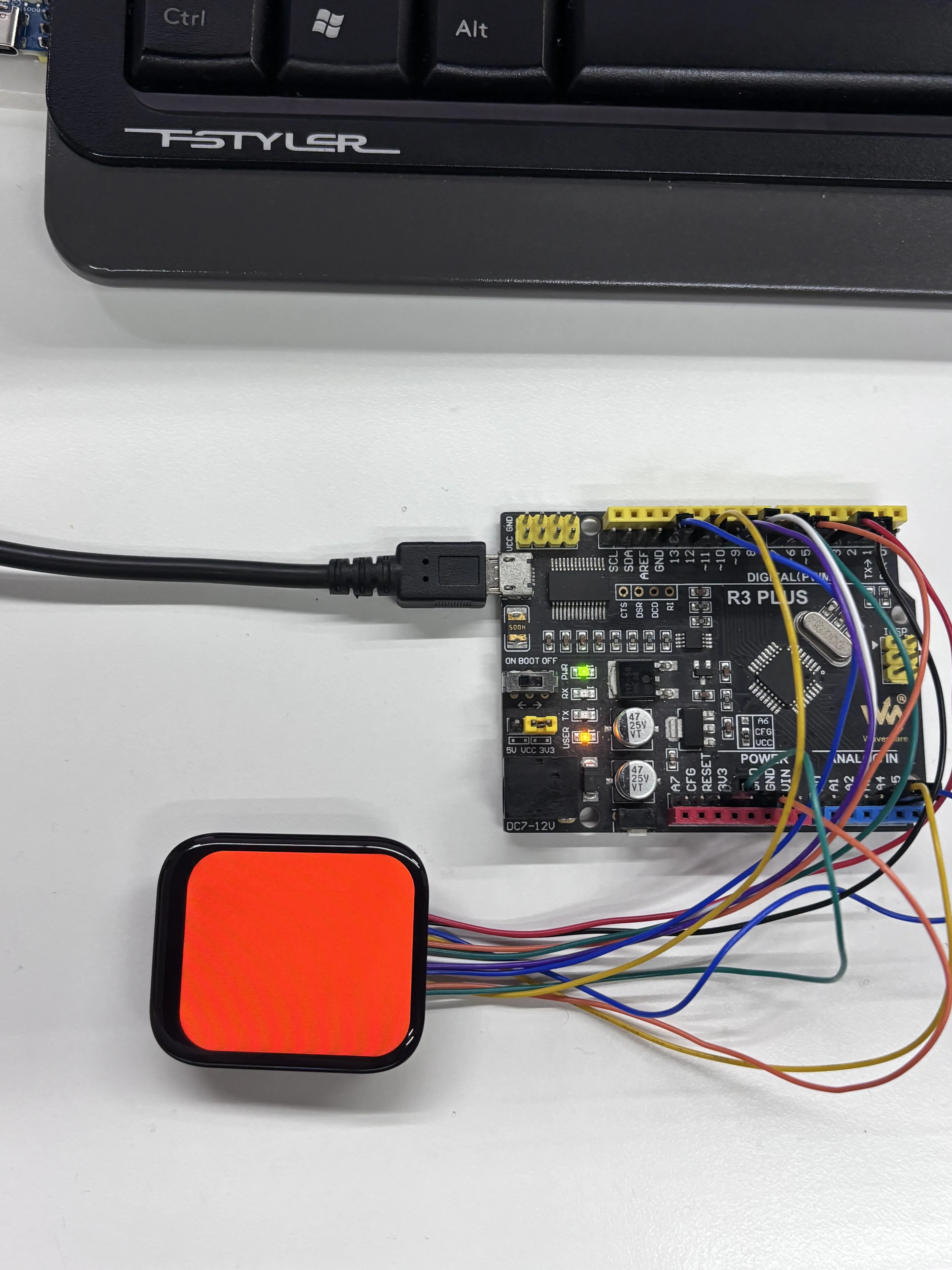
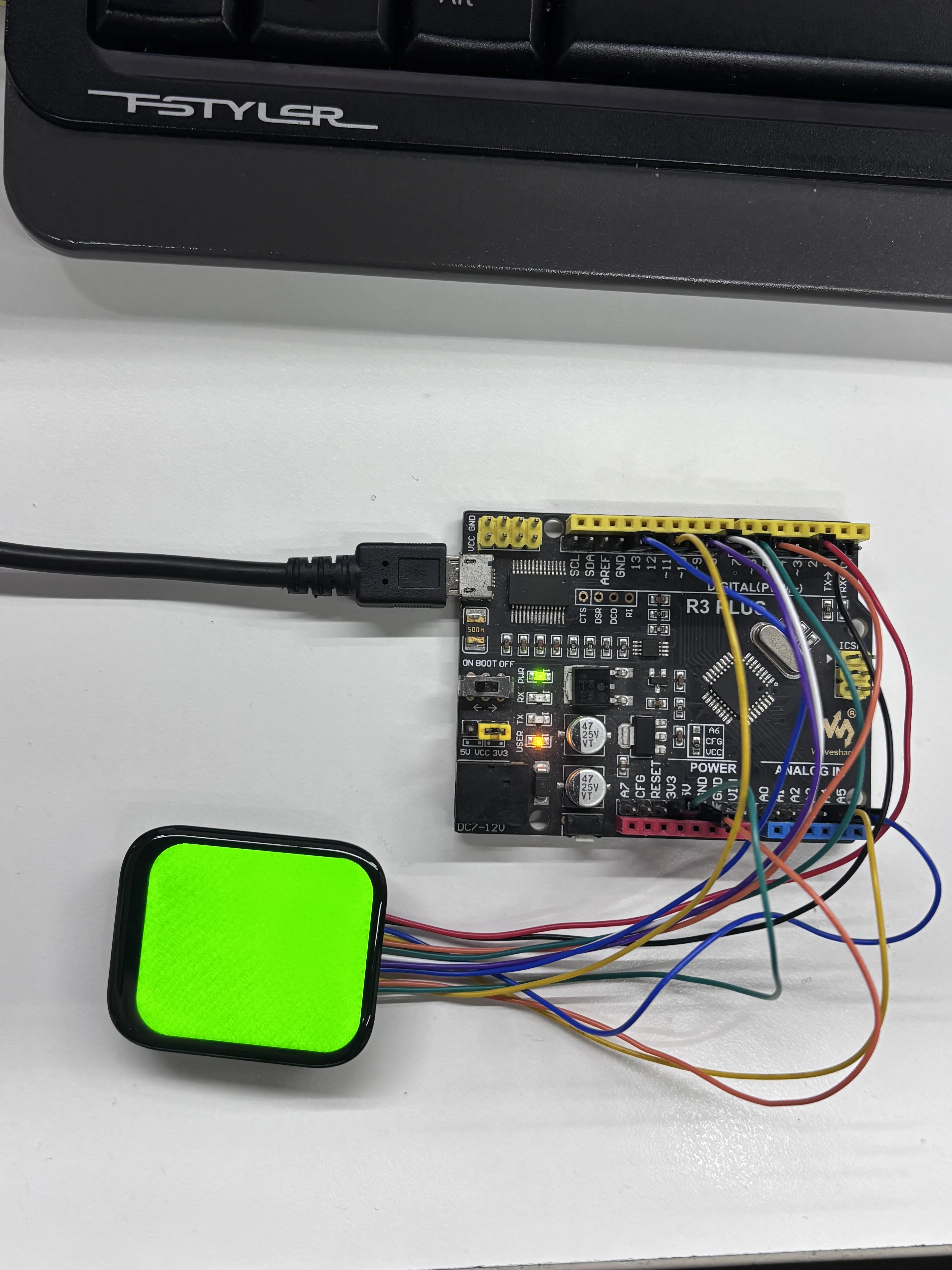
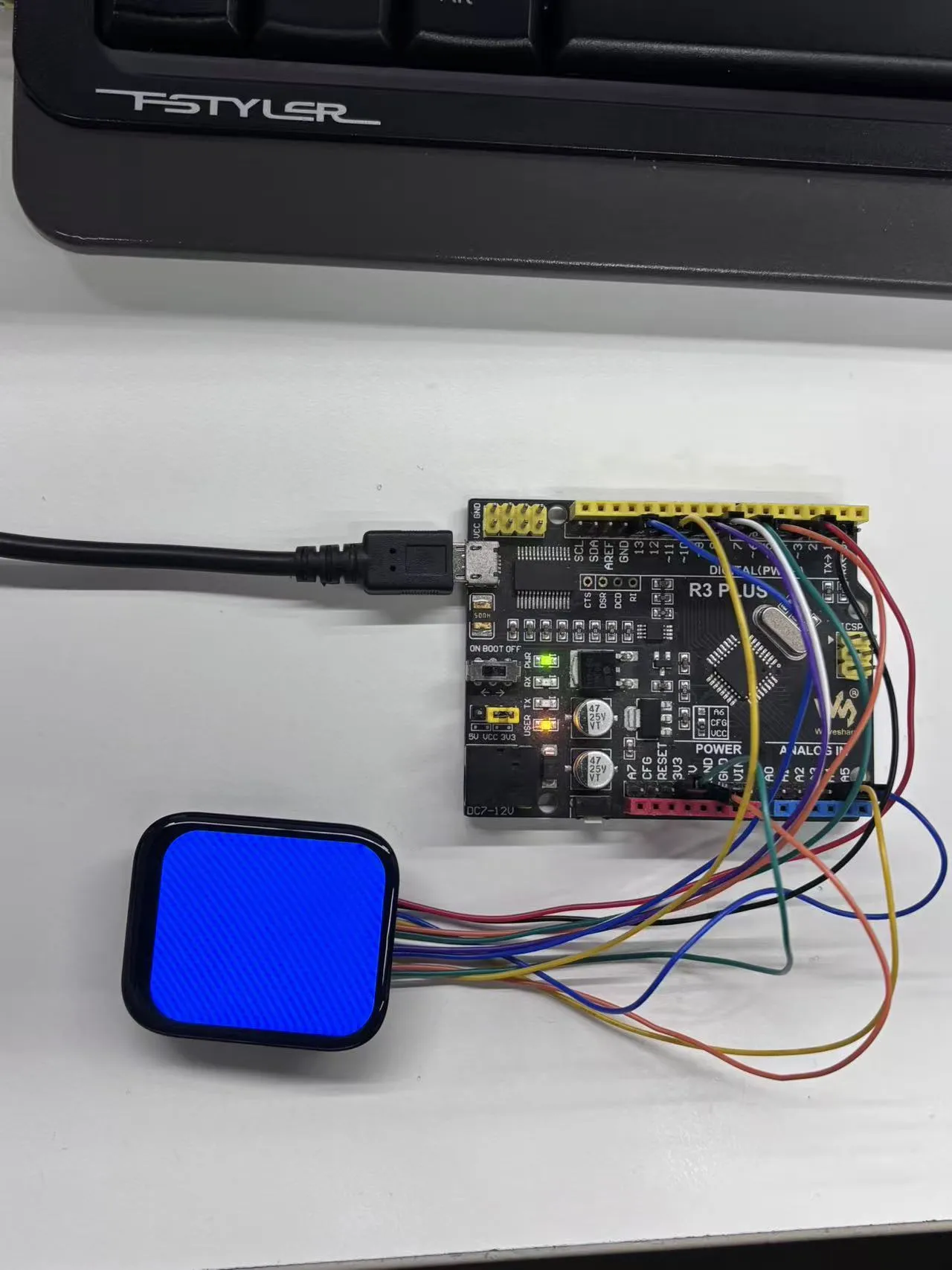
LCD_display_test():- The screen sequentially fills with red, green, blue, and white colors (each for 1 second) to verify display color accuracy and full-screen refresh capability.
Operation Result
-
LCD Color Cycle Test:
-
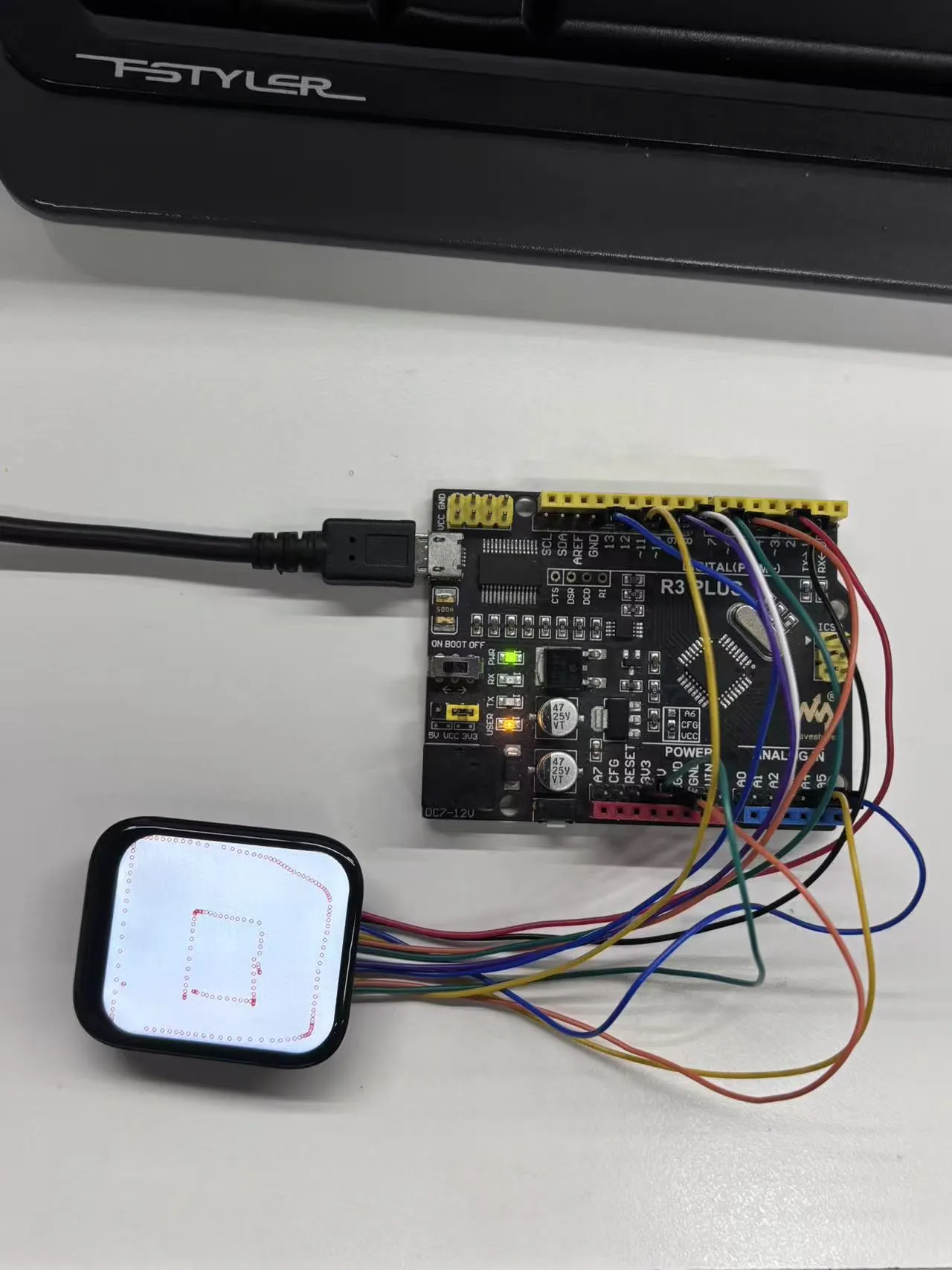
LCD Touch Test: