Working with ESP32
Hardware Connection
ESP32 Pin Mapping
| e-Paper | ESP32 | ESP32-S3 |
|---|---|---|
| VCC | 3.3V | 3.3V |
| GND | GND | GND |
| DIN | IO14 | IO11 |
| CLK | IO13 | IO12 |
| CS | IO15 | IO10 |
| DC | IO27 | IO13 |
| RST | IO26 | IO14 |
| BUSY | IO25 | IO4 |
| PWR | IO33 | IO5 |
Environment Configuration
Online installation requires the use of VPN software, while offline installation does not require the use of VPN software
Running the Program
- Select a download source from the 4.26inch_e-Paper_G Example, then extract and enter the
4.26inch_e-Paper_Gdirectory to see the following content.
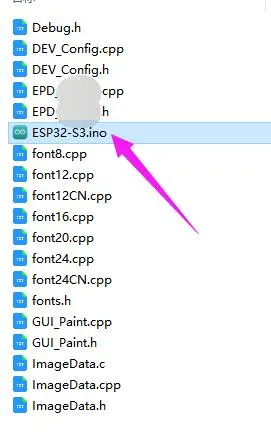
- Open the test program:
4.26inch_e-Paper_G/example/ESP32/ESP32.inoor4.26inch_e-Paper_G/example/ESP32-S3/ESP32-S3.ino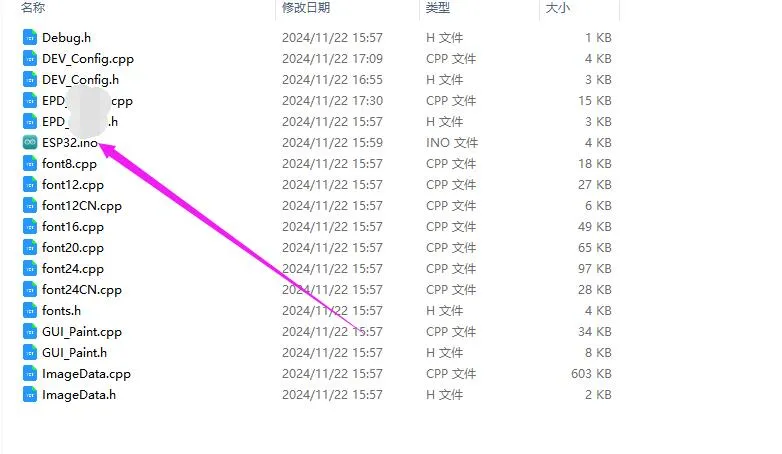
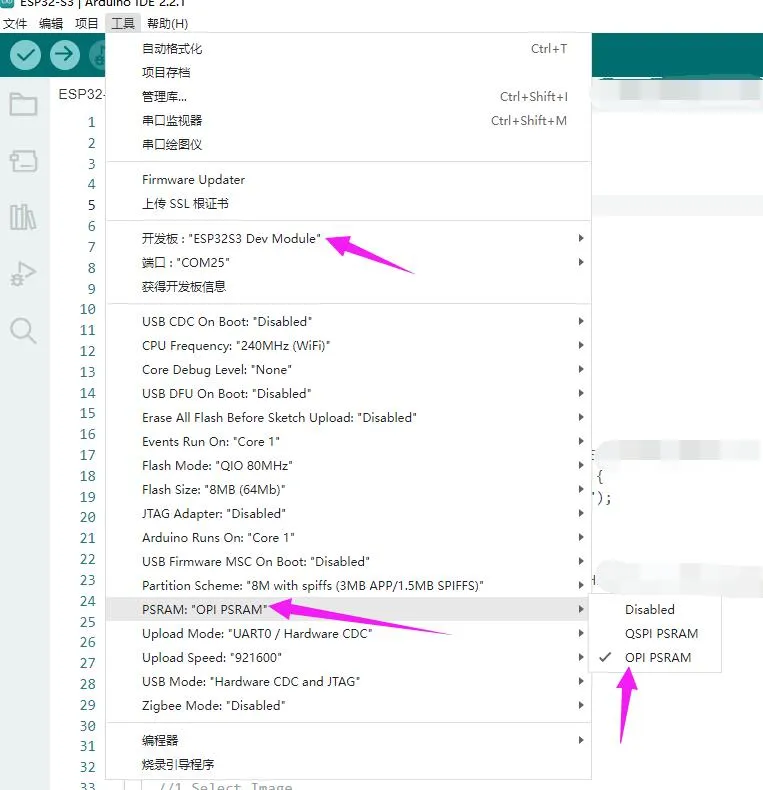
- In the Arduino IDE toolbar (Tools), select the corresponding Board and Port:
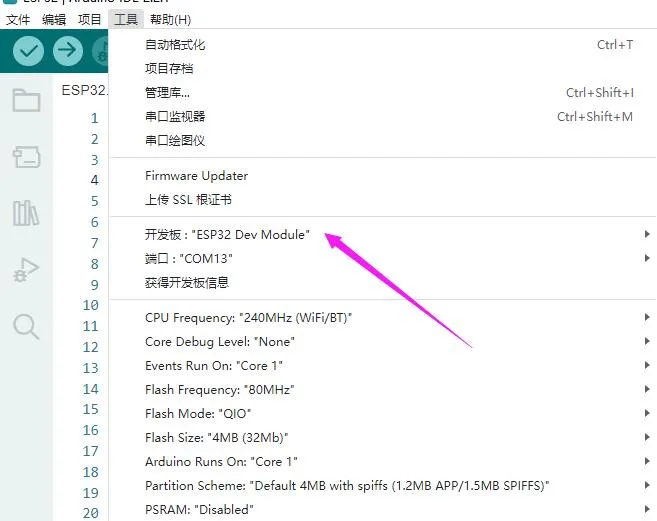
- If using a core like the ESP32-S3 with PSRAM, please enable PSRAM
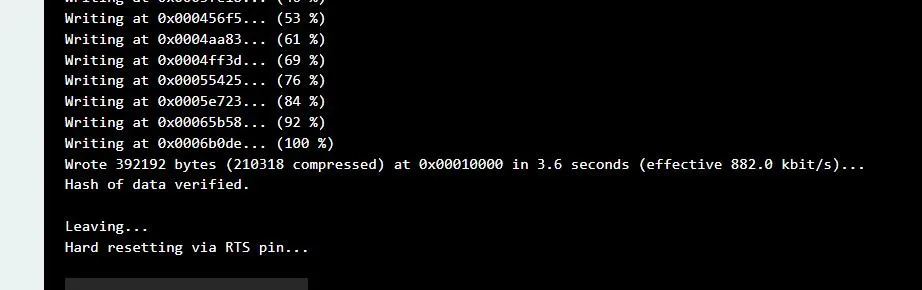
- Finally, click Upload. A successful upload is shown below (Arduino 2.2.1):