Working with Arduino
Hardware Connection
- Connect using the 9PIN cable. Refer to the pin mapping table below:
- Arduino pin mapping
e-Paper Arduino UNO Mega2560 VCC 5V 5V GND GND GND DIN D11 D51 CLK D13 D52 CS D10 D10 DC D9 D9 RST D8 D8 BUSY D7 D7 PWR D6 D6
- Arduino pin mapping
Installing the IDE
Arduino IDE Windows Installation Tutorial
Run the Example
- In the Resources section download the example package, then unzip it and enter the
5inch_e-Paperdirectory to see the following contents:
- Open the example:
5inch_e-Paper\Arduino_R4\Arduino_R4.ino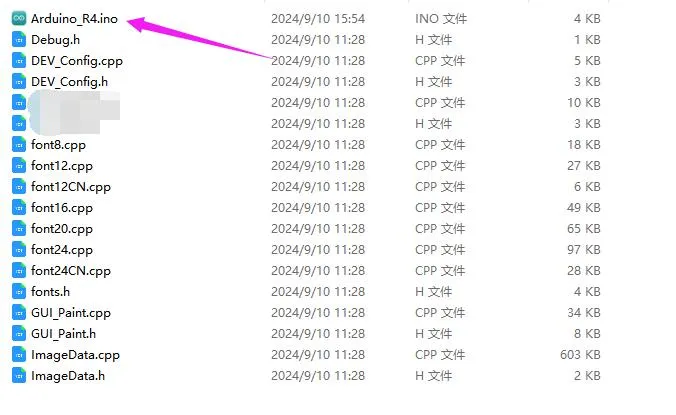
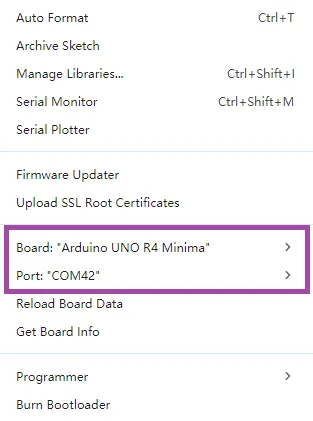
- In the Arduino IDE toolbar (Tools), select the corresponding Board and Port:
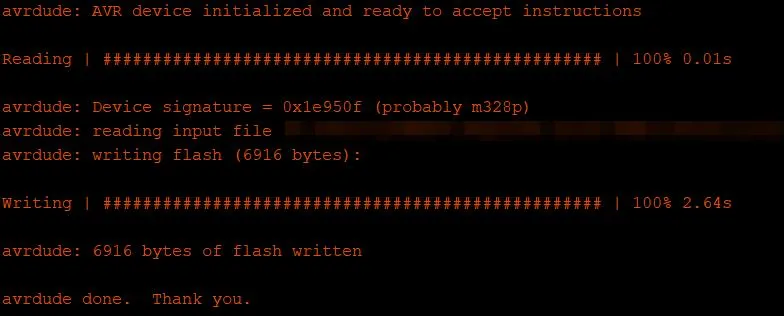
- Finally, click Upload. A successful upload is shown below (Arduino 1.8.13):