Working with ESP32
Hardware Connection
- ESP32 Pin Mapping
e-Paper ESP32 ESP32-S3 VCC 3.3V 3.3V GND GND GND DIN IO14 IO11 CLK IO13 IO12 CS IO15 IO10 DC IO27 IO13 RST IO26 IO14 BUSY IO25 IO4 PWR IO33 IO5
Environment Configuration
Online installation requires the use of VPN software, while offline installation does not require the use of VPN software
Running the Program
- In the Resources section download the example package, then unzip it and enter the
5inch_e-Paperdirectory to see the following contents:
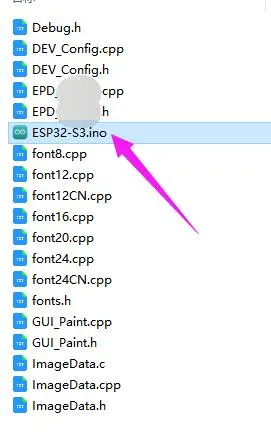
- Open the example:
5inch_e-Paper\ESP32\ESP32.inoor5inch_e-Paper\ESP32\ESP32-S3.ino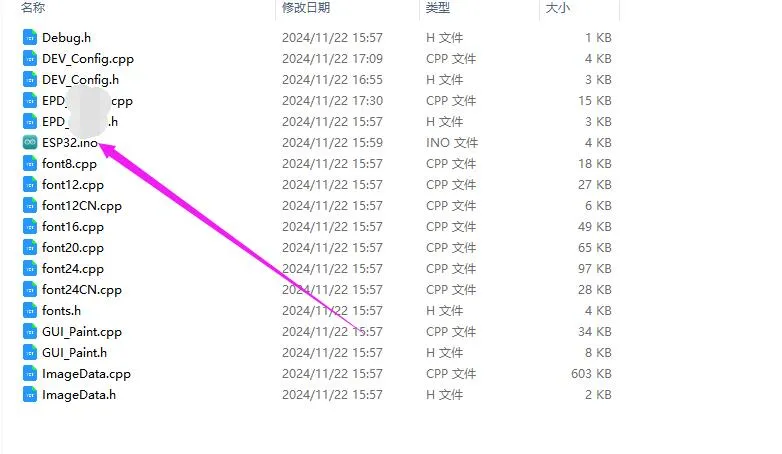
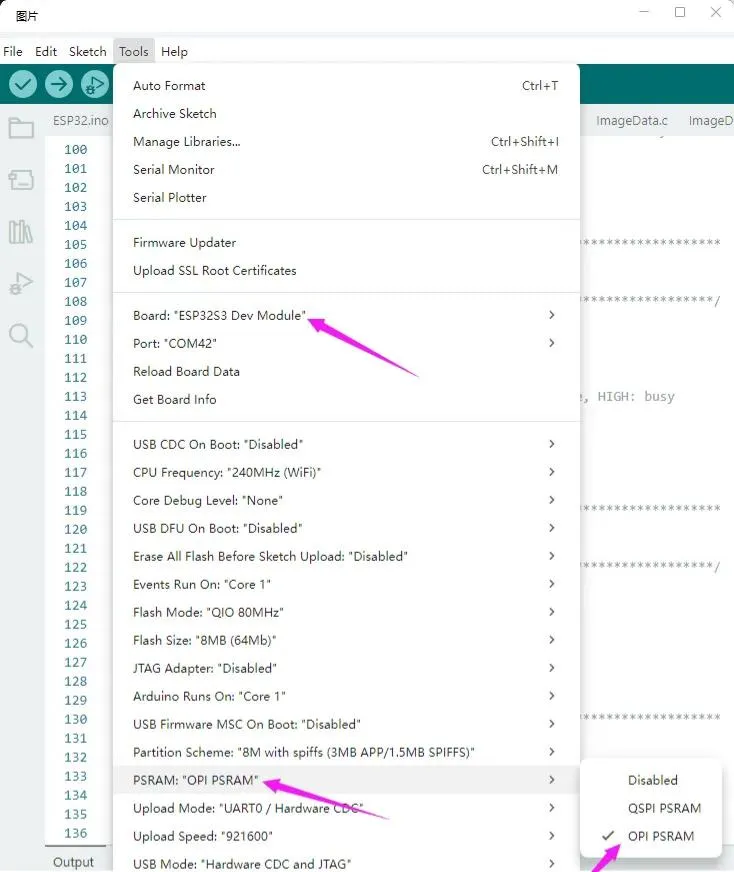
- In the Arduino IDE toolbar (Tools), select the corresponding Board and Port:
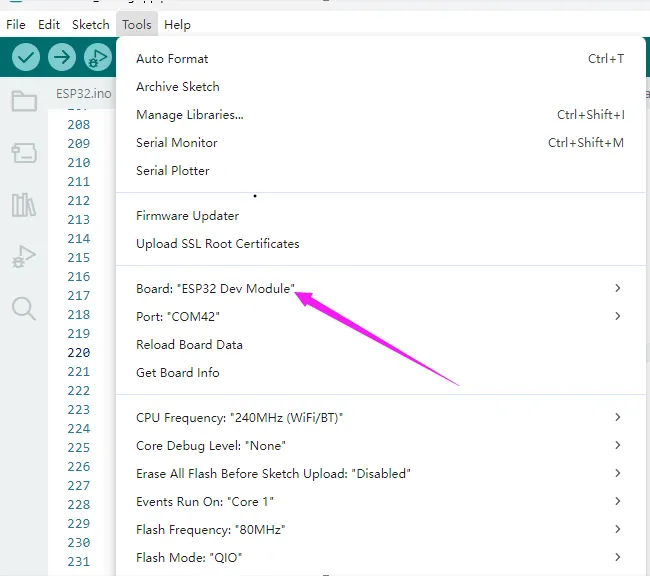
- If using a core like the ESP32-S3 with PSRAM, please enable PSRAM
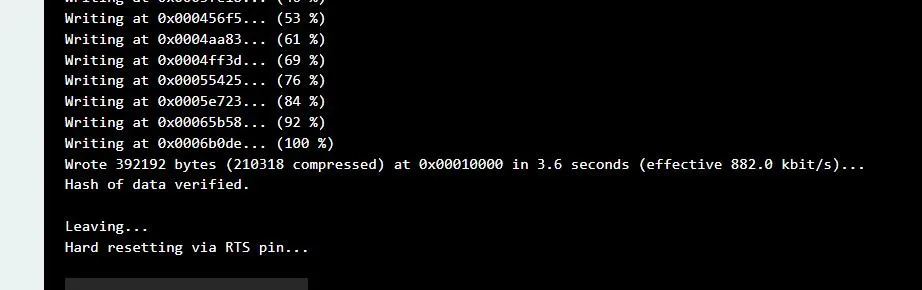
- Finally, click Upload. A successful upload is shown below (Arduino 2.2.1):