8.9inch 600x1600 LCD
| SKU | Product |
|---|---|
| 35978 | 8.9inch 600x1600 LCD |
Features
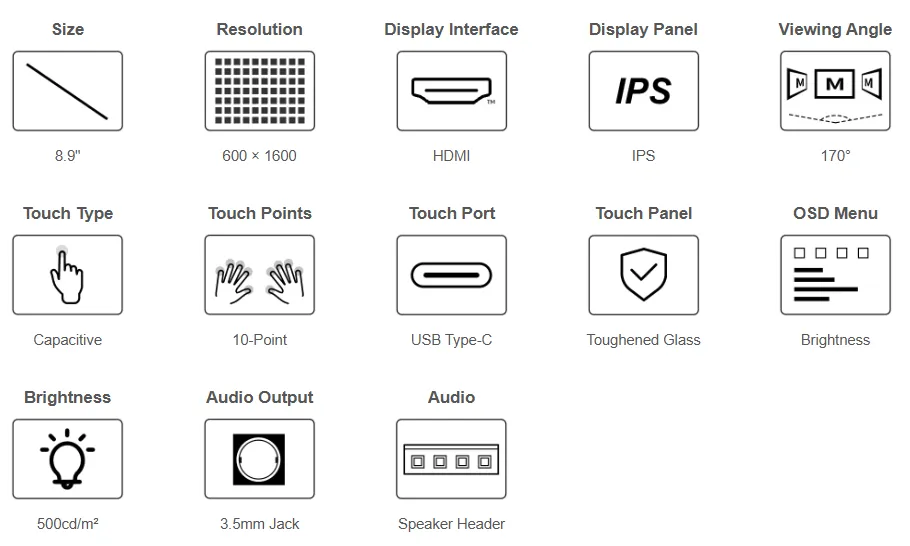
- 8.9inch IPS display, with a hardware resolution of 600 × 1600 and a viewing angle of 170°.
- Capacitive touch, supporting 10-point touch; the tempered glass panel has a hardness of 6H.
- Display signals are transmitted via HDMI, and touch data is transmitted via the USB Type-C interface.
- Supports the Ubuntu system on Jetson hosts with driver-free single-point touch. For the connection method, see Working with Windows / Jetson.
- Onboard switch and brightness adjustment buttons, and a touch rotation button.
- Provides a 3.5 mm headphone jack and an MX1.25 4PIN speaker interface.
Default Display Orientation
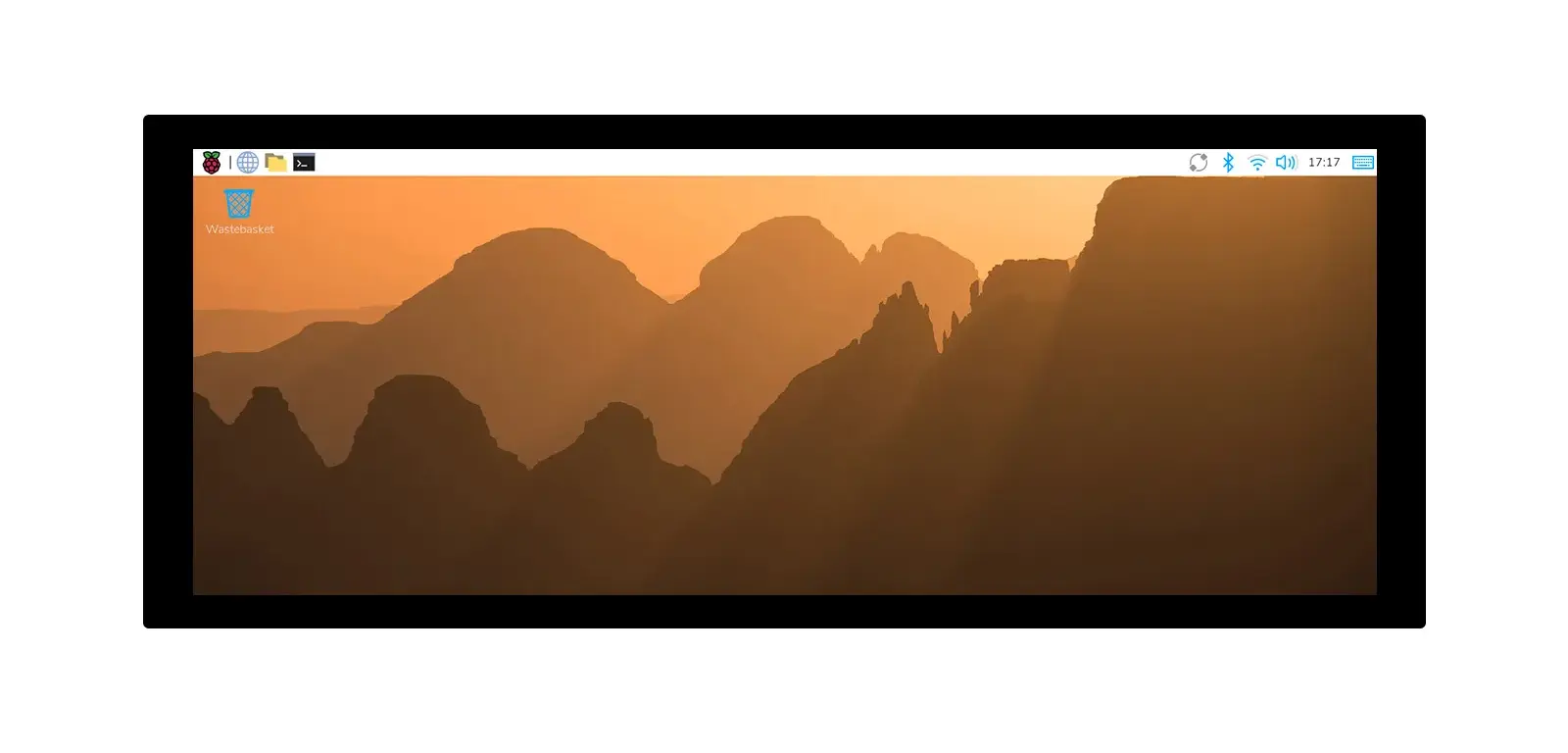
This product displays in portrait orientation by default, with a resolution of 600 × 1600 (horizontal × vertical). When mounted in landscape orientation, you need to set the screen rotation in the host system and check whether the touch direction matches the screen.
Product Specifications
| Item | Parameter |
|---|---|
| Display Size | 8.9 inch |
| Display Panel | IPS |
| Hardware Resolution | 600 × 1600 |
| Contrast Ratio | 1:1500 |
| Refresh Rate | 60 Hz |
| Color Gamut | 68% NTSC |
| Viewing Angle | 170° |
| Max Brightness | 500 cd/m² |
| Touch Type | 10-point capacitive touch; the actual number of touch points depends on the system |
| Touch Panel | Tempered glass, hardness 6H |
| Display Interface | HDMI |
| Backlight Adjustment | Button backlight adjustment |
| Input Voltage | 5 V |
| Maximum Power Consumption | 3.75 W |
| Audio Output | 3.5 mm headphone jack, MX1.25 4PIN speaker interface |
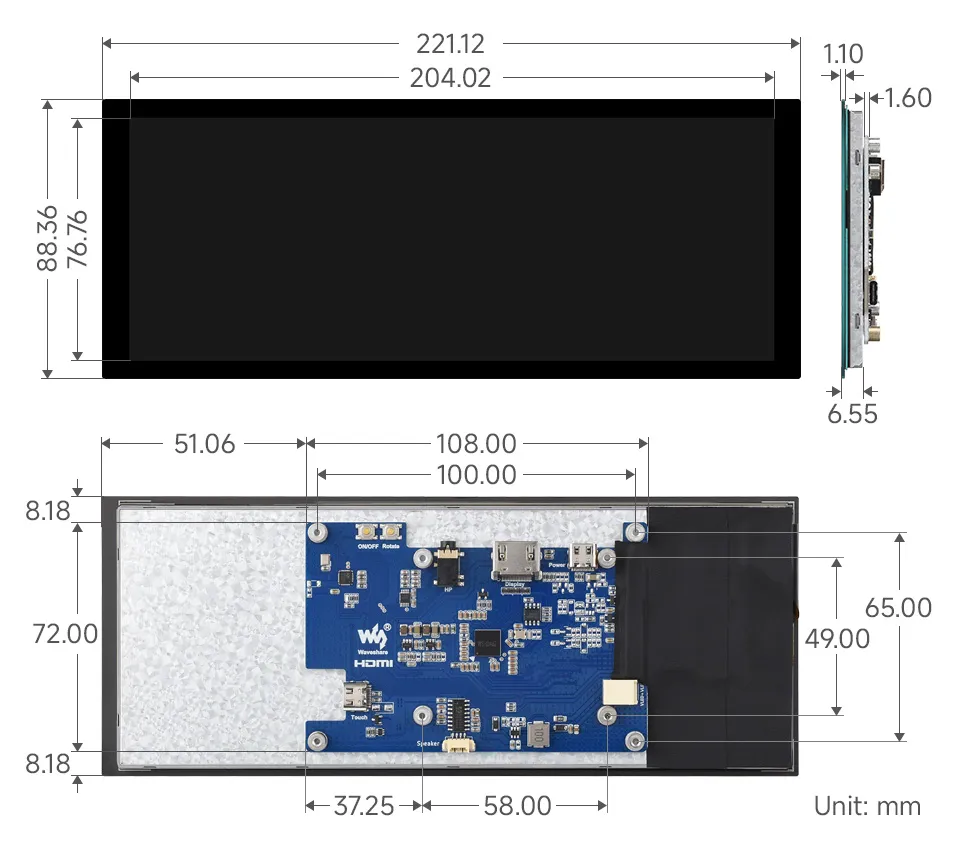
| Overall Dimensions | 88.36(H) × 221.12(V) mm |
| Display Area | 76.36(H) × 203.62(V) mm |
In the table, H and V represent the horizontal and vertical dimensions in the default portrait orientation, respectively.
Interface Overview
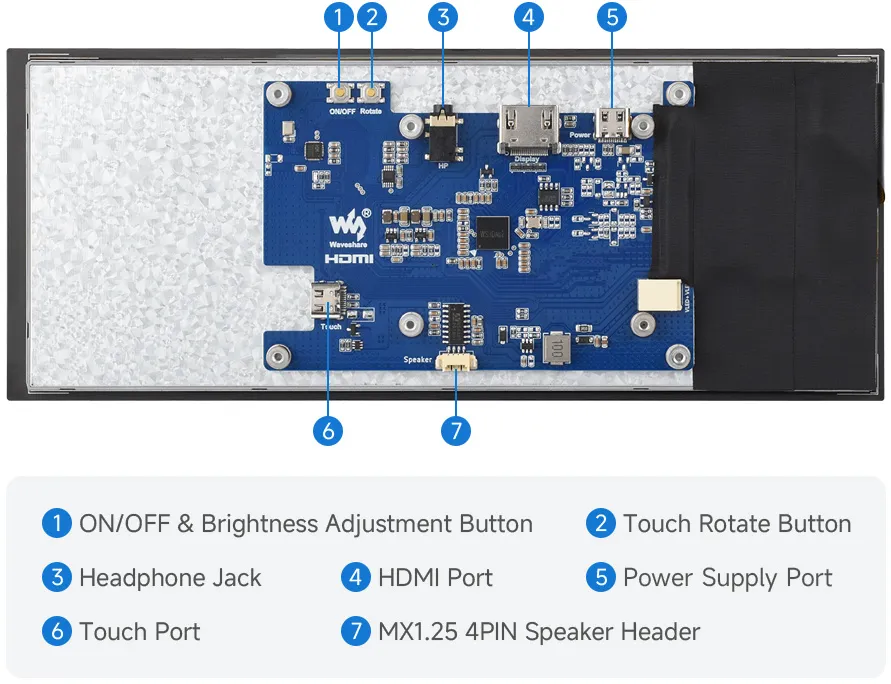
| Number | Interface or Button | Purpose |
|---|---|---|
| 1 | ON/OFF | Power switch and brightness adjustment |
| 2 | Rotate | Hold for 3–5 seconds to rotate the touch direction by 90° |
| 3 | HP | Connect headphones |
| 4 | Display | HDMI display input |
| 5 | Power | Screen power supply |
| 6 | Touch | Connect to the host USB interface to transmit touch data |
| 7 | Speaker | MX1.25 4PIN speaker interface |
EDID Timing Parameters
-
If the host system can automatically recognize the EDID for display, no additional timing parameter settings are required.
-
Otherwise, you can refer to the following display timing parameters:
| Pixel Clock | H Addressable | H Blanking | V Addressable | V Blanking | H Front Porch | H Sync Width | V Front Porch | V Sync Width | H Image Size | V Image Size | H Border | V Border |
|---|---|---|---|---|---|---|---|---|---|---|---|---|
| 74.59 | 600 | 160 | 1600 | 36 | 40 | 20 | 16 | 4 | - | - | 0 | 0 |
Appearance Dimensions