Quick Start
Hardware Requirements
- Arduino UNO Q × 1
- Type-C to Type-A USB Cable × 1
- USB-C Multiport Dock with External Power × 1 (recommended when connecting display, keyboard, mouse, USB camera, etc.)
It is recommended to use a USB-C dock with external power capability. Do not use Apple's USB-C Digital AV Multiport Adapter.
Usage Mode
UNO Q supports two primary usage modes:
| Mode | Description | Application Scenarios |
|---|---|---|
| SBC Mode | Use UNO Q as a standalone single-board computer, connecting directly to a display, keyboard, and mouse | Standalone operation, field deployment, edge AI applications |
| PC Hosted Mode | The development environment runs on your PC; upload, debug, and run code via the connected UNO Q | Development and debugging, education, rapid prototyping |
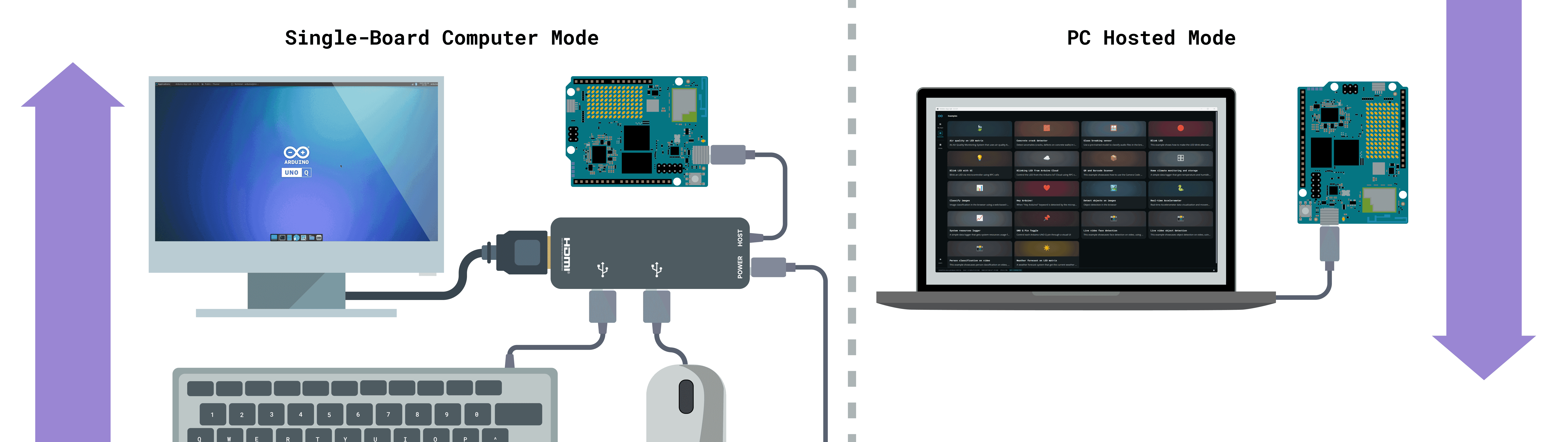
If you intend to use UNO Q as a standalone computer, the 4GB RAM version is recommended for a better desktop and standalone experience.
Software Requirements
- Arduino App Lab
- Arduino IDE 2+ (for programming the microcontroller (MCU) part of UNO Q only)
Installing Arduino App Lab
Arduino App Lab is an all-in-one development environment for the Arduino UNO Q, allowing you to develop and run Arduino Sketches, Python scripts, Linux applications, and containerized applications.
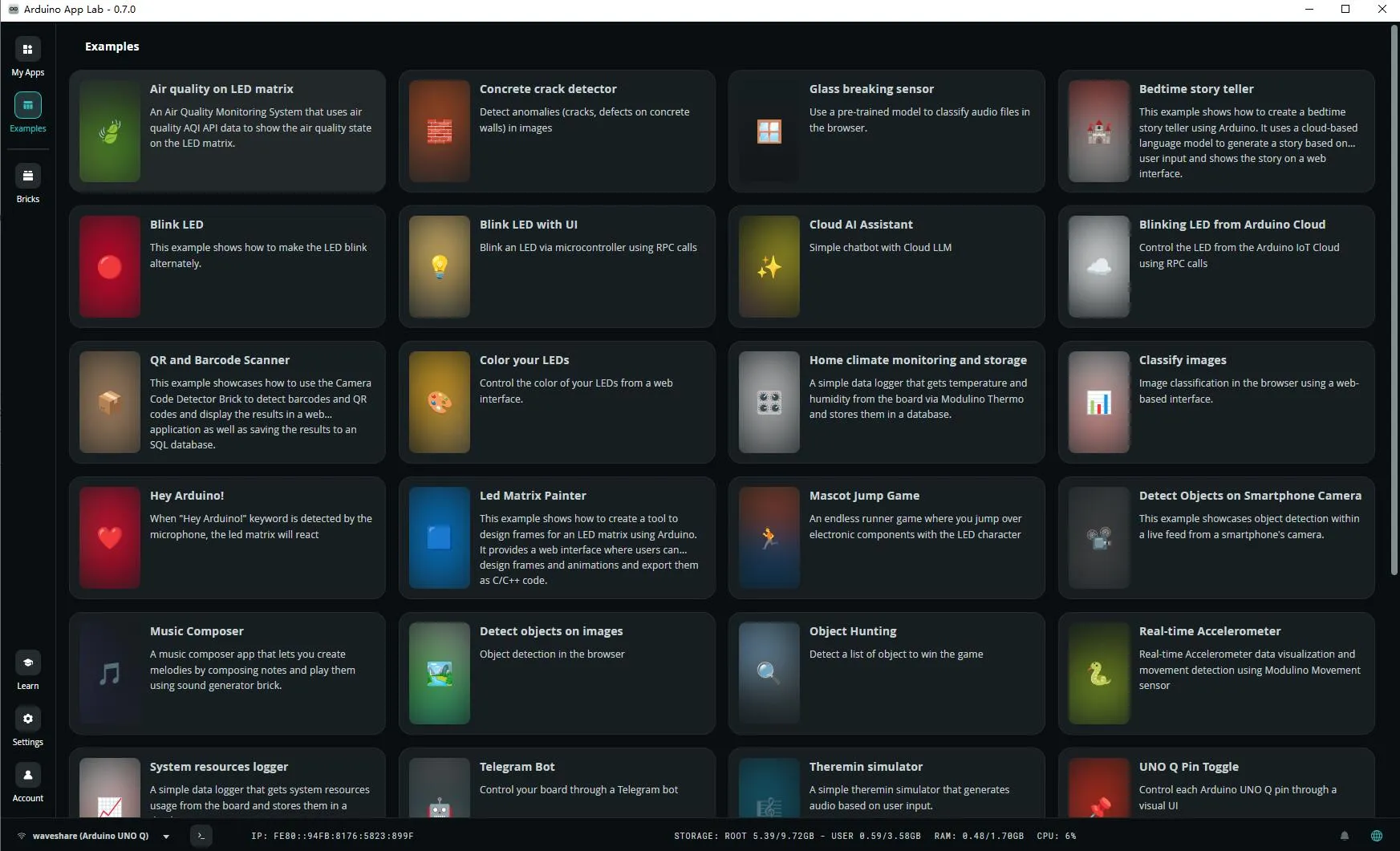
Go to the Arduino Official Software download page and download/install Arduino App Lab for your computer's operating system.
Notes for Linux Host Users
If you are using a Linux PC to run Arduino App Lab and connect to UNO Q via USB-C, you need to configure USB device access permissions first.
If the permissions are not correctly set, Arduino App Lab may fail to detect UNO Q, system image flashing may fail, or ADB communication with the board may be unavailable.
For instructions on adding USB access permissions, please refer to the Arduino official documentation.
This setup applies only to the Linux host PC. If you are using Windows or macOS, this configuration is generally not required. It is also not needed if you are only using the Linux system running on UNO Q itself.