FAQ
Q: How to check which COM port I am using?
-
Windows System:
- ①Check via Device Manager: Press Windows + R to open the "Run" dialog box. Type
devmgmt.mscand press Enter to open Device Manager. Expand the "Ports (COM & LPT)" section. All COM ports and their current status will be listed here. - ②Check using Command Prompt: Open the Command Prompt (CMD), type the
modecommand, which will display status information for all COM ports. - ③Check Hardware Connection: If an external device is already connected to a COM port, the device typically occupies a port number. You can determine which port is being used by checking the connected hardware.
- ①Check via Device Manager: Press Windows + R to open the "Run" dialog box. Type
-
Linux System:
- ①Check using the
dmesgcommand: Open the terminal. - ②Check using the
lscommand: Typels /dev/ttyS*orls /dev/ttyUSB*to list all serial devices. - ③Check using the
setserialcommand: Typesetserial -g /dev/ttyS*to view configuration information for all serial devices.
- ①Check using the
Q: Can you help me review or modify my code? Can you help me modify the code?
This product is positioned as a development board, not a finished product. This product is positioned as a development board, not a finished product. The product ecosystem is based on the ESP32 core, which is very mature and the development environment is very friendly. We do not assist in modifying code. Please let the makers and geeks use their DIY skills. If you have questions, you can ask our engineers for answers.
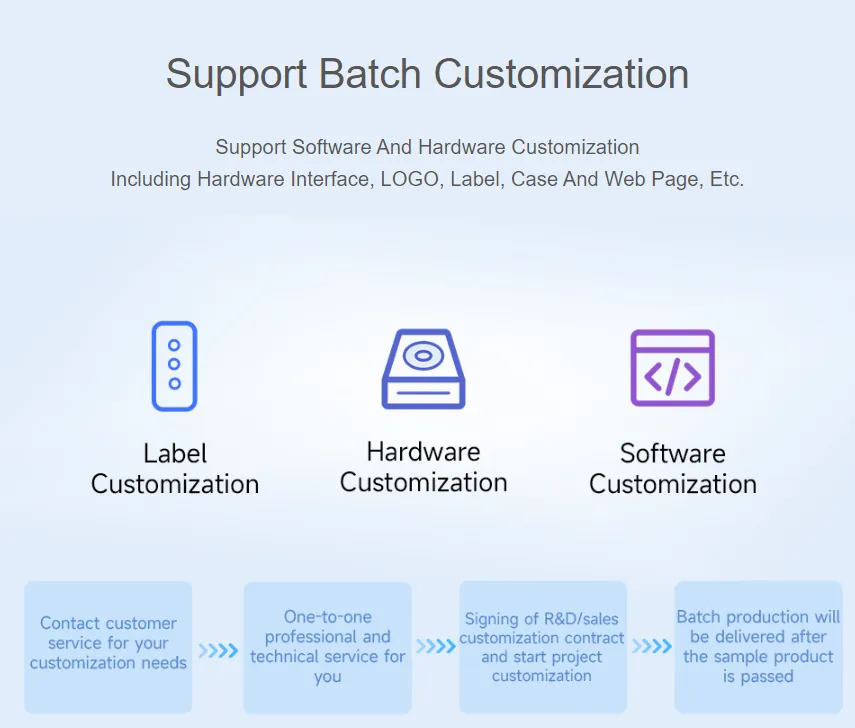
If you like our product and wish to customize hardware, casing, software, etc. in bulk, please feel free to contact our sales.
Q: What is the exact spacing between the 11 test points on the back of the ESP32-C6-LCD-1.69?
- 2.15mm
Q: Why is there no output even though the code is correct and flashed successfully?
- Refer to the schematic. Depending on the
Type-Cinterface of the different development boards, output handling in the code varies:- For development boards with direct
USBconnection, theprintffunction supports print output. To enable print output using theSerialfunction, you need to enable theUSB CDC On Bootfeature or declareHWCDC - For development boards with
UARTtoUSBconversion, bothprintfandSerialfunctions support print output without enablingUSB CDC On Boot
- For development boards with direct
Q: How to use SquareLine Studio to design interfaces?
- Refer to the SquareLine Studio Tutorial.