FAQ
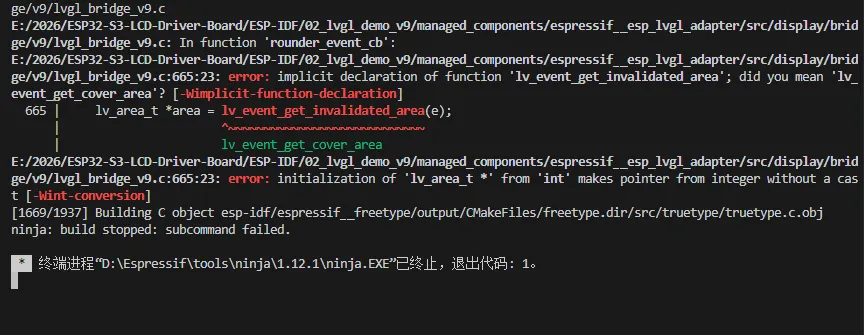
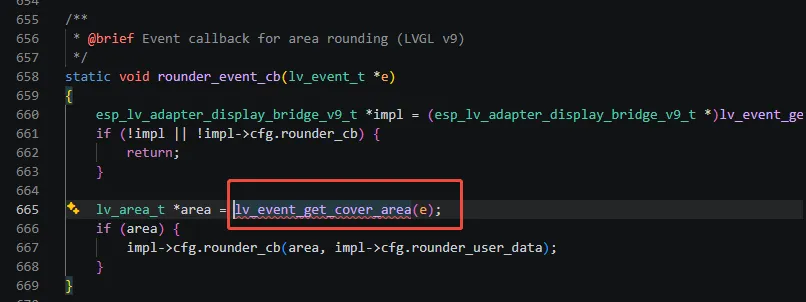
Q: What should I do if this compilation issue occurs?
A: Navigate to the location of the reported error function (highlighted in red) and replace it with the function provided by the compiler (highlighted in green).
 |  |
|---|
Q: Why are only ESP-IDF examples provided?
A: Because the APP examples are written based on the ESP-IDF framework. For other examples related to the display, please refer to their respective Wiki pages.
Q: Can my screen be driven by this driver board?
A: Please compare the pin assignments with the schematic diagram.
Q: Which screens are currently supported by the example programs?
A: Please refer to the User Guide, which lists the supported display models and descriptions in detail.
Q: How to get more library support for the demo?
A: You can subscribe to this repository and raise an issue to describe your requirements. The engineers will assess your request as soon as possible: ESP32-display-support
Q: Why does the flashing fail?
- When the serial port is occupied, the flashing will fail. Close the serial port monitor and try to flash again
- When the ESP32 program crashes, the flashing will fail. In this case, you need to completely power off the development module, hold down BOOT button and power it on again to enter the forced download mode and then flash it. It will not automatically exit the download mode after flashing, so you need to power off and restart again
Q: Can you help me review or modify my code? Can you help me modify the code?
This product is positioned as a development board, not a finished product. This product is positioned as a development board, not a finished product. The product ecosystem is based on the ESP32 core, which is very mature and the development environment is very friendly. We do not assist in modifying code. Please let the makers and geeks use their DIY skills. If you have questions, you can ask our engineers for answers.
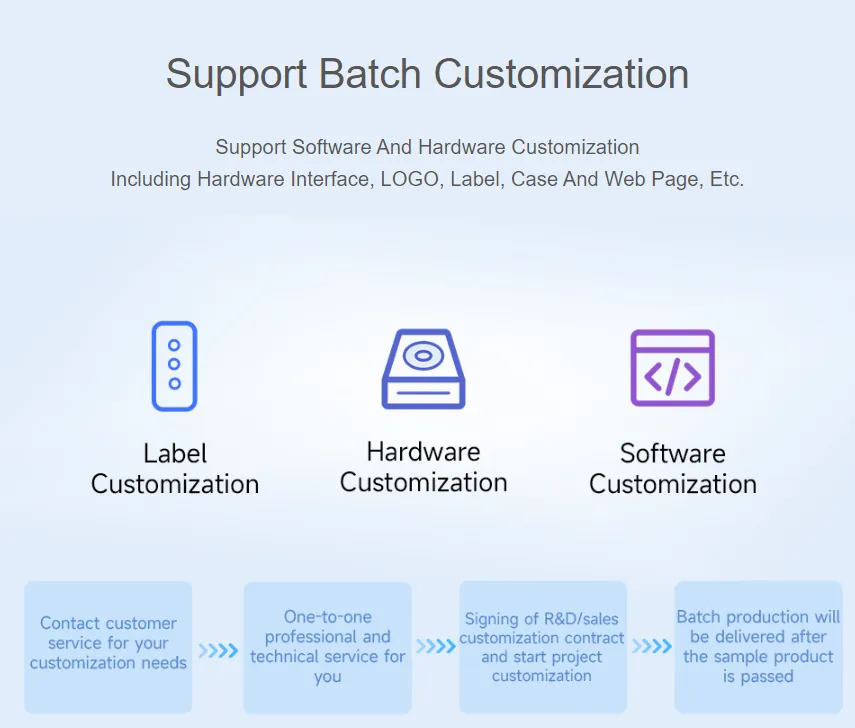
If you like our product and wish to customize hardware, casing, software, etc. in bulk, please feel free to contact our sales.
Q: How to use SquareLine Studio to design interfaces?
Please refer to SquareLine Studio Tutorial.