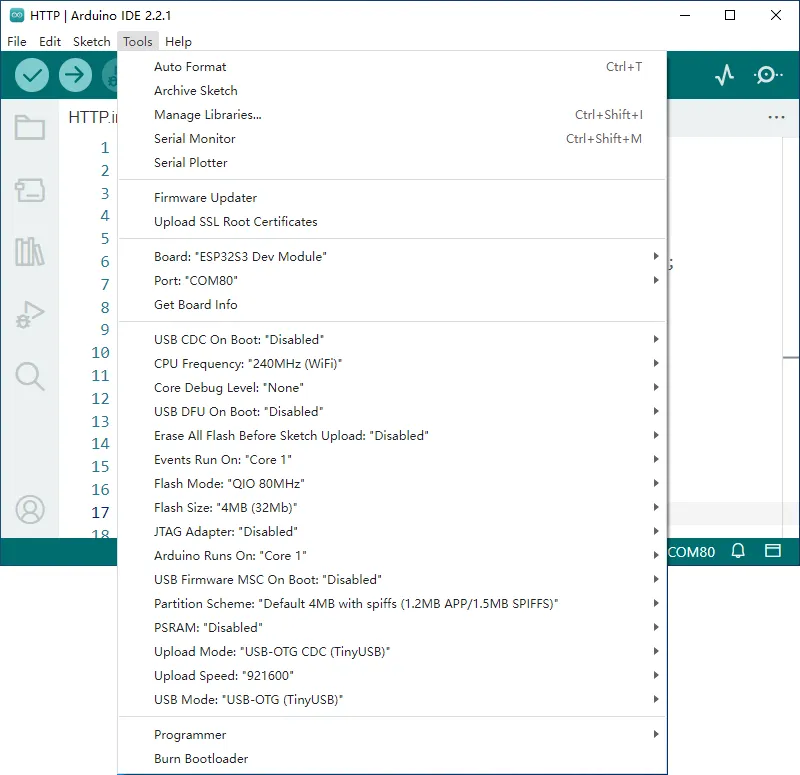
Q: The board keeps resetting after program upload?
Check whether the configuration options are mismatched.
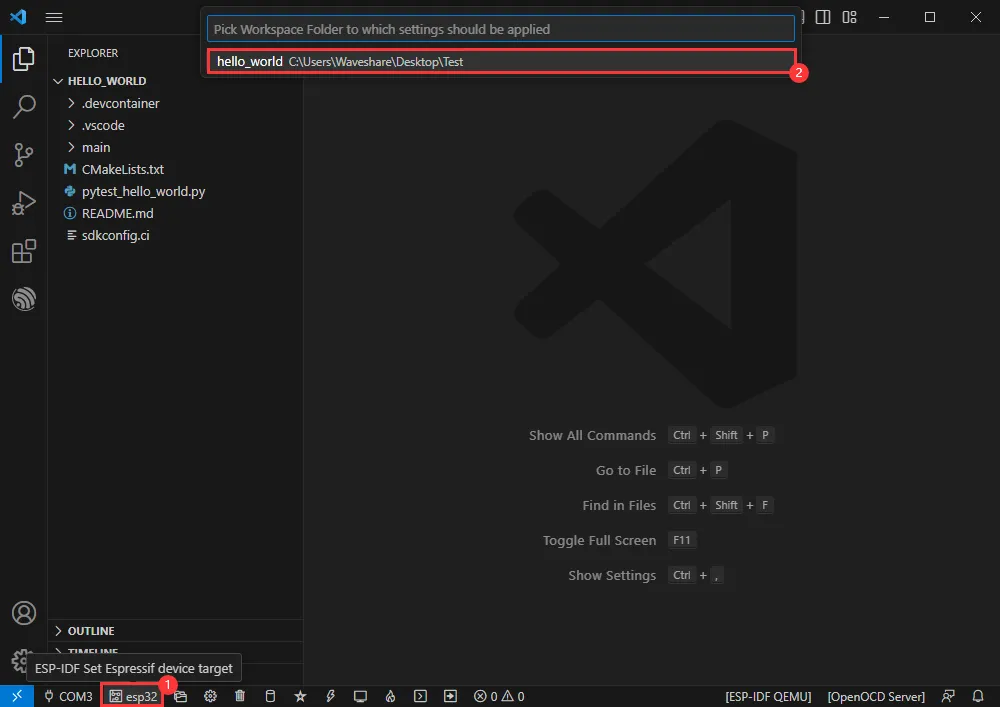
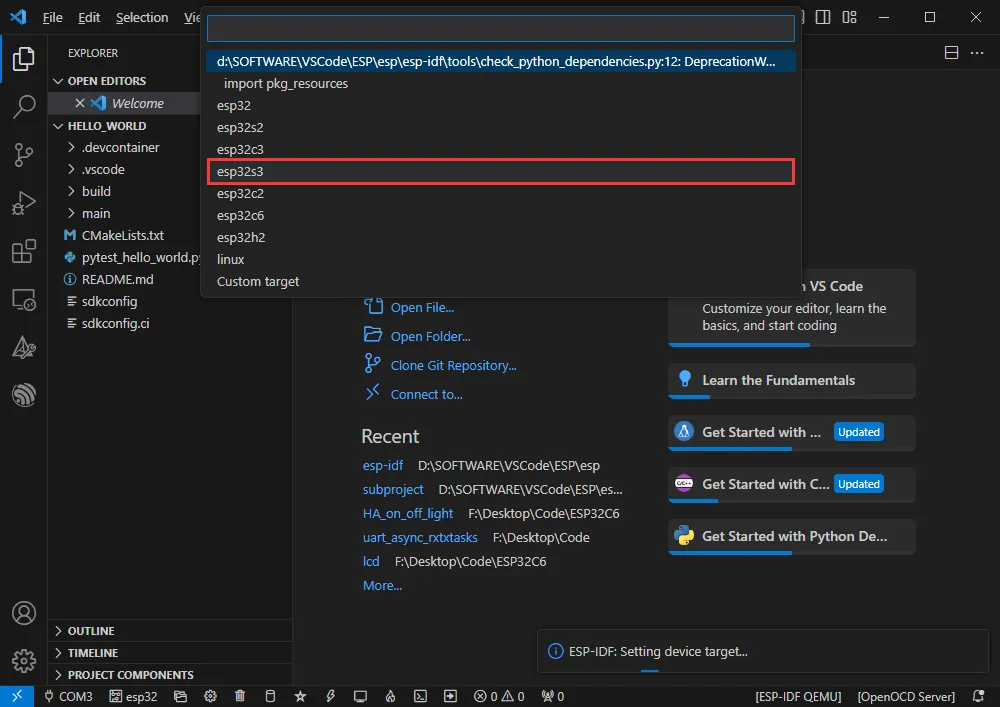
Q: Compilation fails with 'file not found' error?
Please re-select the driver target and compile again.
Q: After programming the module, sometimes I cannot connect to the serial port or the upload fails on a subsequent attempt?
Method 1: Press the reset button for more than 1 second, wait for the PC to re-detect the device, and then upload again.
Method 2: Press and hold the BOOT button, press RESET, release RESET, then release BOOT. The module will enter download mode, which solves most download issues.
Q: When setting up the environment or creating a project, there is no ESP option shown below?
Press the F1 shortcut key in VS Code, search for Espressif IDF. You will find it marked as an untrusted extension; set it to trusted.
Q: Q: After switching to another ESP of the same model, the flashed program malfunctions?
After switching the ESP, re-select the COM port and driver target, then compile and flash again.
Q: The example program is successfully flashed but won't run?
First, check if the example version matches the product version.
Q: After powering on, the detected USB port keeps resetting and restarting?
Check whether the USB port's supply voltage is below 5V. Typically, the USB supply voltage should be above 4.9V, and both USB ports on the module should work normally. If it is below 4.9V, insufficient power may cause the USB port to disconnect. In that case, use a USB port that provides adequate voltage.
Q: Q: When performing JTAG debugging, the debug page never appears?
Close the OpenOCD instance below, then restart OpenOCD.