FAQ
Q: How to get more library support for the example?
A: You can subscribe to this repository and raise an issue to describe your requirements. The engineers will assess your request as soon as possible: ESP32-display-support
Q: When both the battery and Type-C are connected, after long-pressing the PWR button for about 2 seconds and then unplugging Type-C, the device powers off. What should I do?
Principle: While Type-C is connected, VBUS keeps the DCDC enabled. At this time, although long-pressing the PWR button for about 2 seconds has already generated a shutdown signal, the device is still powered by VBUS. After unplugging Type-C, VBUS disappears, the shutdown signal takes effect, and the device immediately powers off.
Solution: Press the PWR button again to restore battery power, and the screen will then light up normally.
Q: Why does the flashing fail?
- When the serial port is occupied, the flashing will fail. Close the serial port monitor and try to flash again.
- When the ESP32 program crashes, the flashing will fail. In this case, you need to completely power off the development module, hold down BOOT button and power it on again to enter the forced download mode and then flash it. After flashing, the module will not automatically exit download mode, so you need to power cycle again.
Q: How can I check which COM port I am using?
Windows System:
- Through Device Manager: Press the Windows + R keys to open the "Run" dialog box; input devmgmt.msc and press Enter to open the Device Manager; expand the "Ports (COM and LPT)" section, where all COM ports and their current statuses will be listed.
- Using Command Prompt: Open the Command Prompt (CMD), enter the mode command, which will display status information for all COM ports.
- Check the hardware connection: If an external device is already connected to a COM port, the device typically occupies a port number. You can determine which port is being used by checking the connected hardware.
Linux System:
- Use the
dmesgcommand: Open the terminal. - Use the
lscommand: Typels /dev/ttyS*orls /dev/ttyUSB*to list all serial devices. - Use the
setserialcommand: Typesetserial -g /dev/ttyS*to view configuration information for all serial devices.
Q: Can you help me review or modify my code? Can you help me modify the code?
This product is positioned as a development board, not a finished product. This product is positioned as a development board, not a finished product. The product ecosystem is based on the ESP32 core, which is very mature and the development environment is very friendly. We do not assist in modifying code. Please let the makers and geeks use their DIY skills. If you have questions, you can ask our engineers for answers.
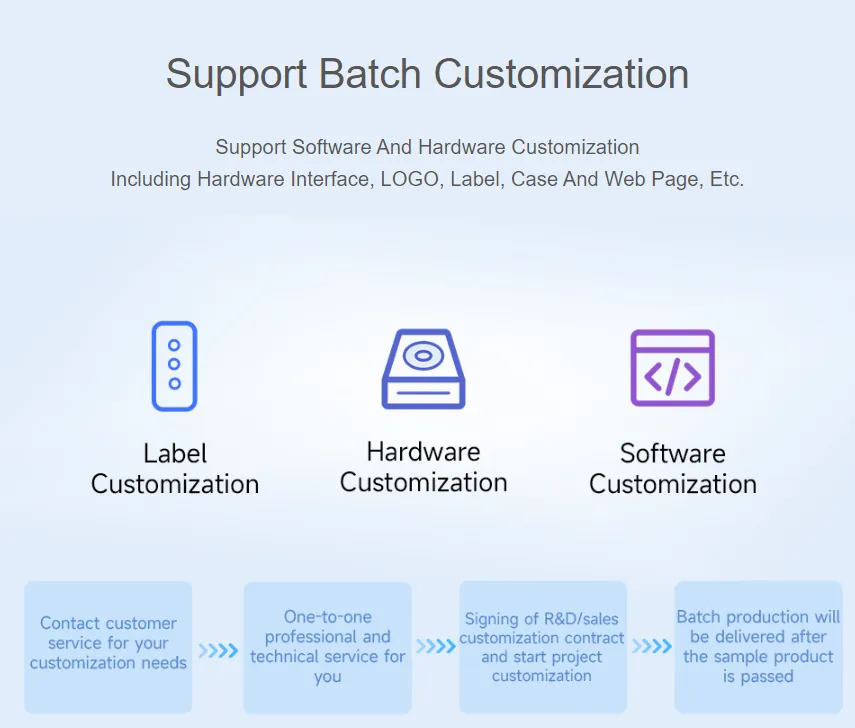
If you like our product and wish to customize hardware, casing, software, etc. in bulk, please feel free to contact our sales.
Q: How to use SquareLine Studio to design interfaces?
Please refer to SquareLine Studio Tutorial.