M.2-PCM5122-AUDIO-HAT
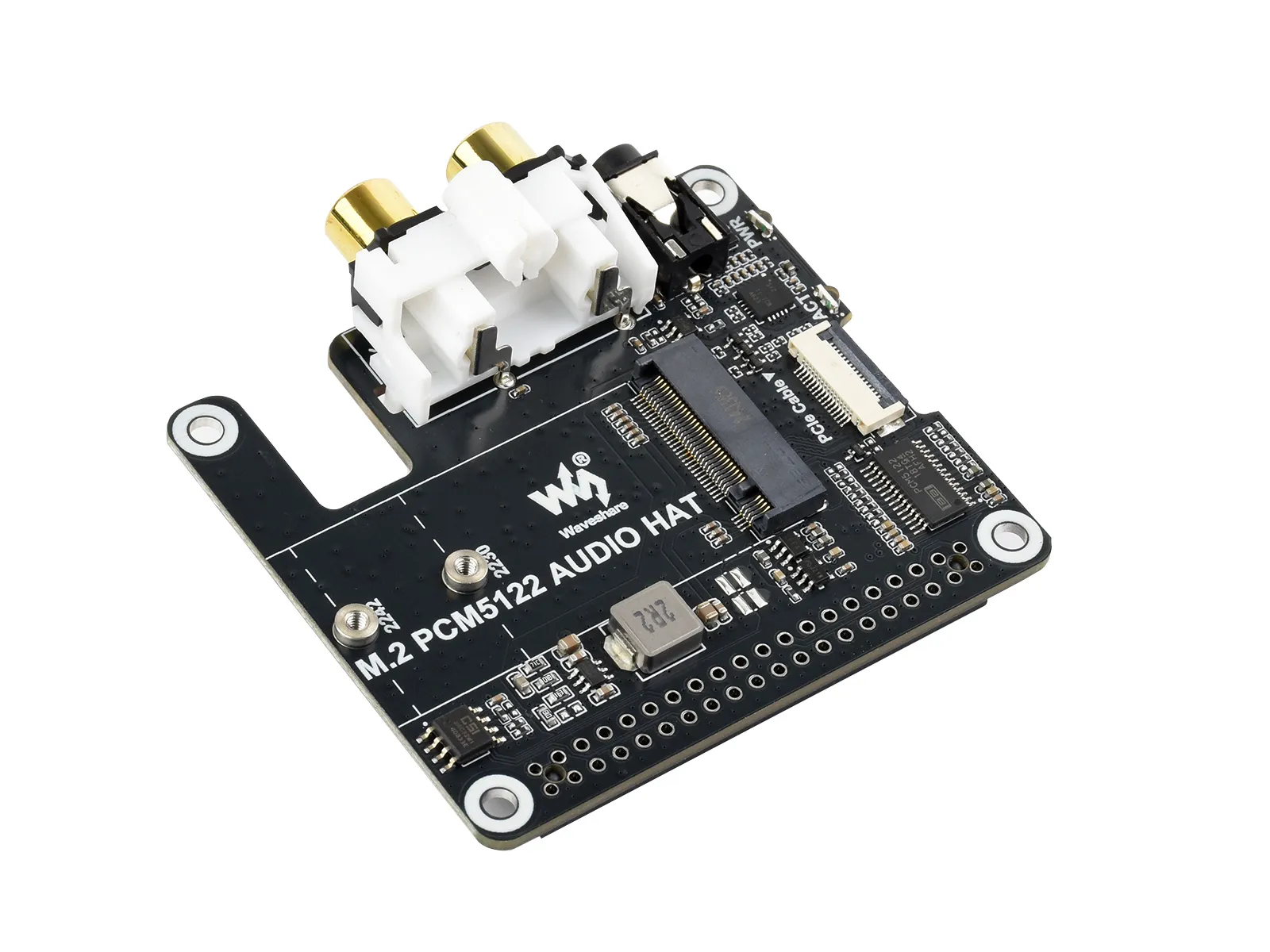
The M.2-PCM5122-AUDIO-HAT is an expansion board for use with the Raspberry Pi, offering powerful features. It features an onboard PCM5122 professional stereo codec chip, supporting up to 384 kHz sampling rate and 32-bit resolution. The board also includes a standard 3.5mm headphone jack, RCA ports, and an M.2 M KEY drive interface for user convenience.
| SKU | Product |
|---|---|
| 34170 | M.2 PCM5122 AUDIO HAT |
Features
- Do not plug or unplug any device interfaces other than the audio interface while powered on.
- Onboard M.2 M KEY interface, supports NVMe SSD protocol (or PCIe protocol AI modules).
- 3.5mm headphone jack (audio output only, no microphone input) for audio playback with headphones.
- Onboard RCA ports, suitable for various applications such as speakers with built-in amplifiers.
- Sampling rate up to 384 kHz
- Up to 32-bit resolution
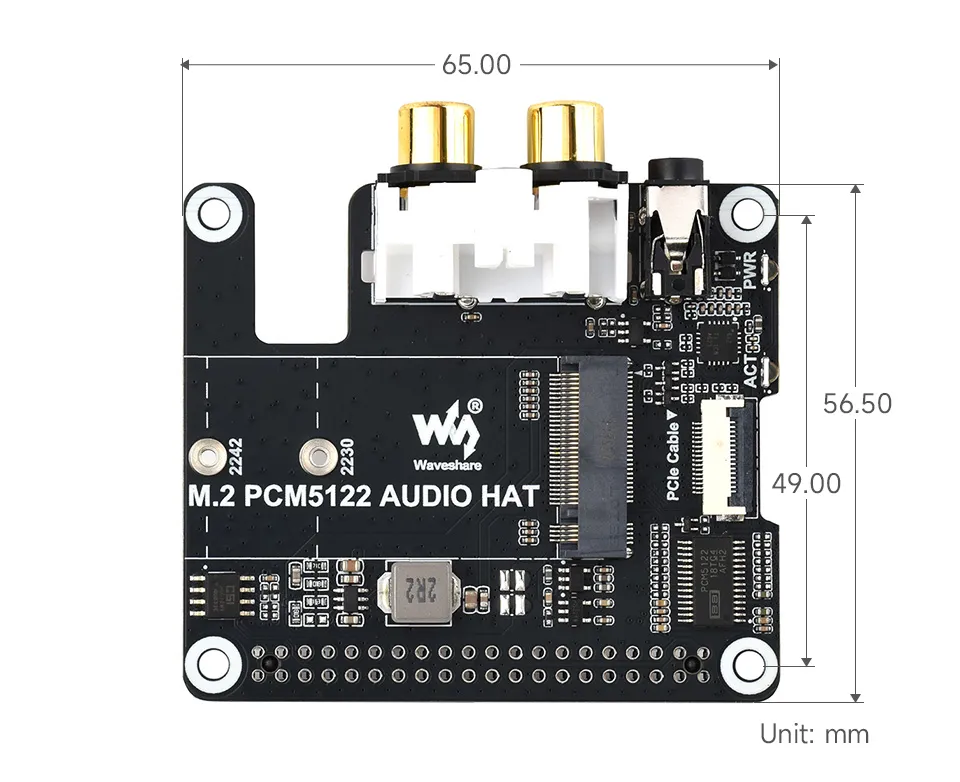
Dimensions
Development Related
NVMe(M.2 M KEY)
- The product supports all features in this tutorial: NVMe Usage Tutorial
- Includes: Formatting SSD | Partitioning SSD | Manual Mounting | Auto-mount on Boot | Read/Write Test
NVMe SSD Boot
- First, boot the Raspberry Pi using a TF card, mount and test the NVMe SSD to ensure the hardware functions correctly
- NVMe SSD Boot: Boot Configuration Tutorial
EEPROM
- The product's EEPROM uses I2C0, with I2C address 0x50.
- It is pre-configured with the firmware for the M.2 PCM5122 AUDIO HAT audio board.
Audio Interface
danger
The module must be connected before powering on to be properly recognized.
warning
- The audio function of the product uses I2C1, with I2C address 0x4C.
- When headphones are connected, the RCA ports will be muted, and the audio signal will be output through the headphone jack.
- The product features an onboard 3.5mm headphone jack and RCA ports.
- Usage on Raspberry Pi OS
- The product supports all features in this tutorial: Audio Usage Guide on Raspberry Pi
- Includes: Checking Audio Devices | Audio Playback | alsamixer Audio Configuration | Playing MP3 | Graphical Configuration
- Usage on Volumio OS
- The product supports all features in this tutorial: Audio Usage Guide on Volumio
- Includes: Booting Device | Audio Playback | Volume Adjustment
- Usage on Moode Audio Player OS
- The product supports all features in this tutorial: Audio Usage Guide on Moode Audio Player
- Includes: Selecting Sound Card