AUDIO (Usage on Volumio OS)
This section describes how to use GPIO to drive audio functions on Volumio, laying the foundation for subsequent project development.
AUDIO Operations
Booting Device
warning
The default driver device is disabled and needs to be enabled in the settings.
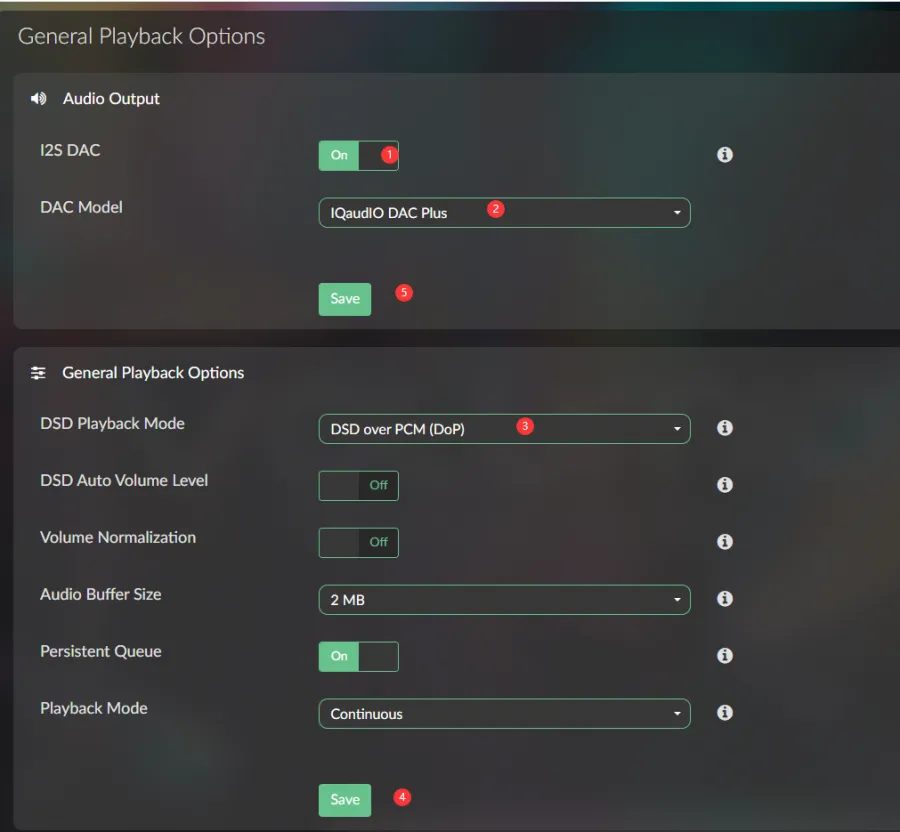
- Open the option in the top-left corner and select Playback Options

- Corresponding options:
1: Enable I2S DAC
2: Select IQaudIO DAC Plus
3: Select DSD over PCM (DoP)
4: First save the General Playback options settings
5: Then save the Audio Output settings. The device will reboot after saving
- After the device reboots, log in via SSH and run
aplay -lto verify the device is recognized.aplay -l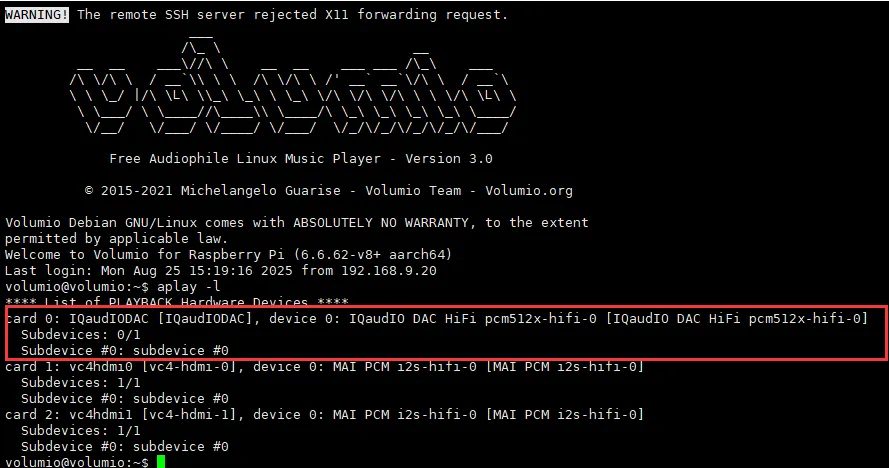
Audio Playback
- To play local music, you can copy the audio files to a USB drive and connect it, or copy them to the local directory /mnt/INTERNAL/, then reboot the device.
- After rebooting, select Music

- Select Music Library
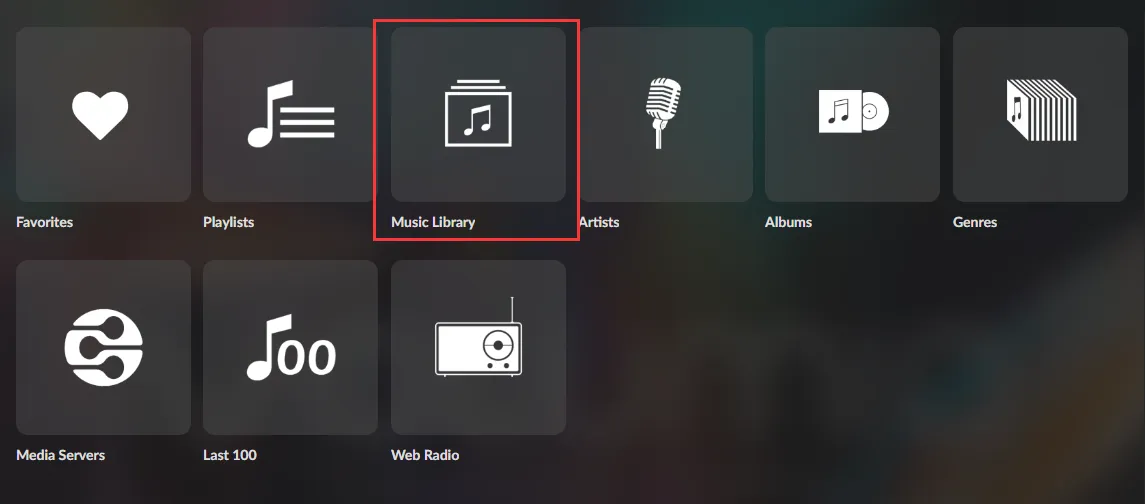
- In INTERNAL, select the audio from the
/mnt/INTERNAL/directory
Adjust Volume
- The default volume is relatively high.
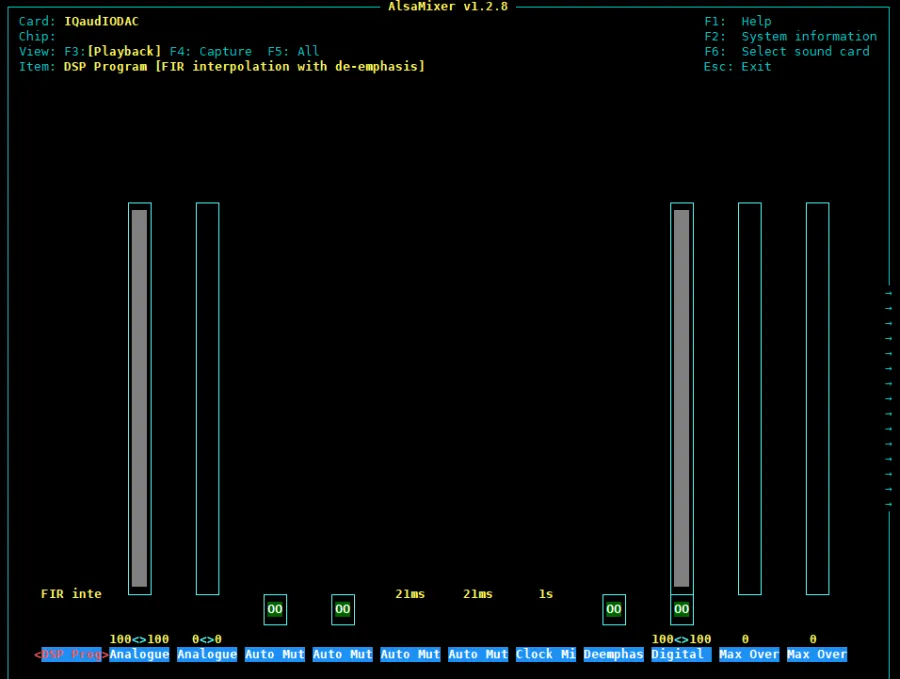
sudo alsamixer
- If the sound card is not set as the default, press F6 to select the sound card device.