Working with Windows PC
Test Software
Most current Windows 10 systems come with a built-in camera application. You can directly open this default Windows camera app for testing. If you are using Windows 7 or cannot find the camera application on your system, you can download and install the AMCAP test software we provide from the Resources and Documents.
Testing Steps
Windows Built-in Camera Application
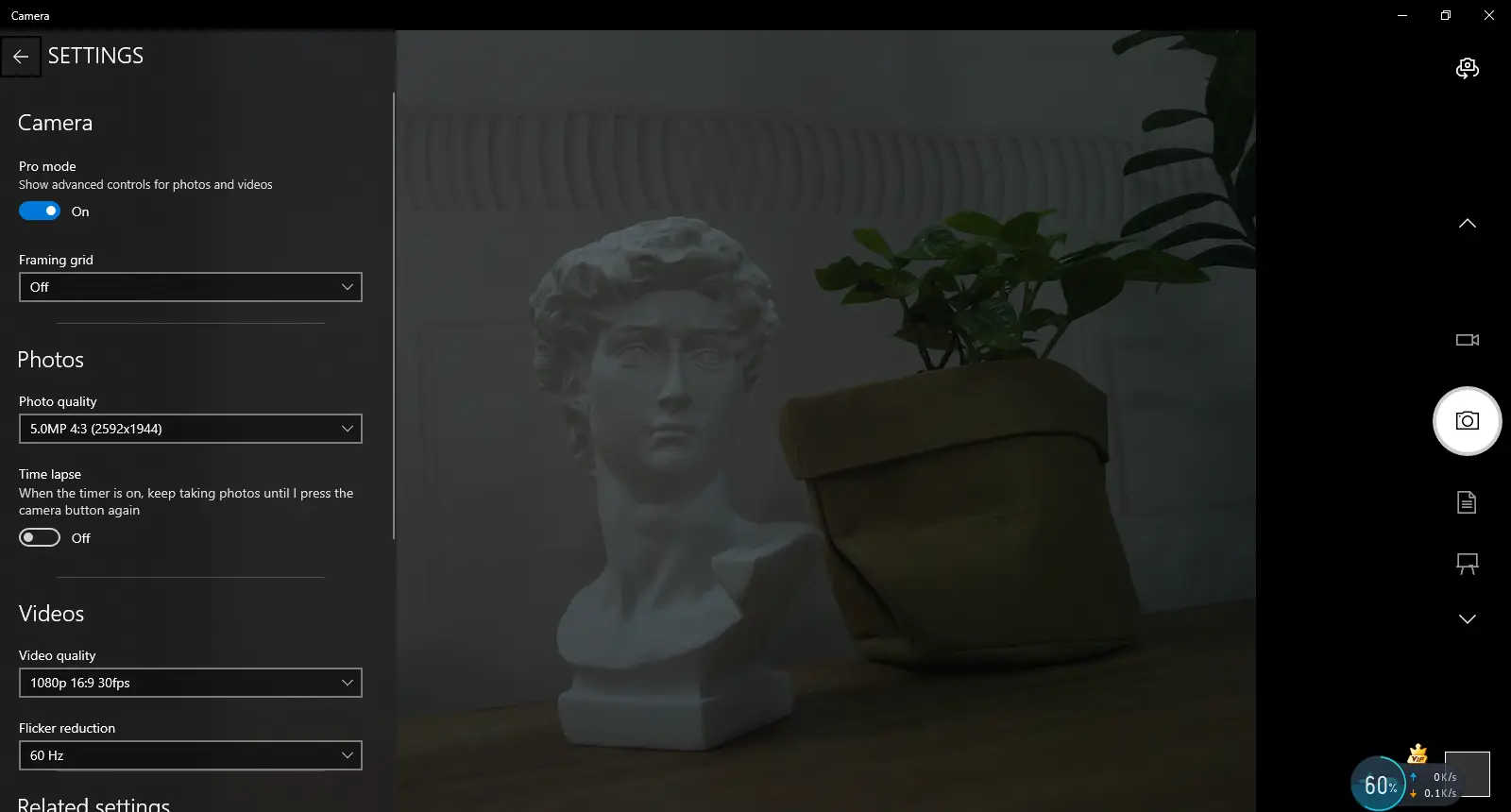
- Search for "Camera" and open the app.
- Click the gear icon in the top-left corner to open the settings interface, where you can set the resolution for photos or videos.
- Click the video or photo icon on the right to switch between recording and capturing modes.
Amcap Software
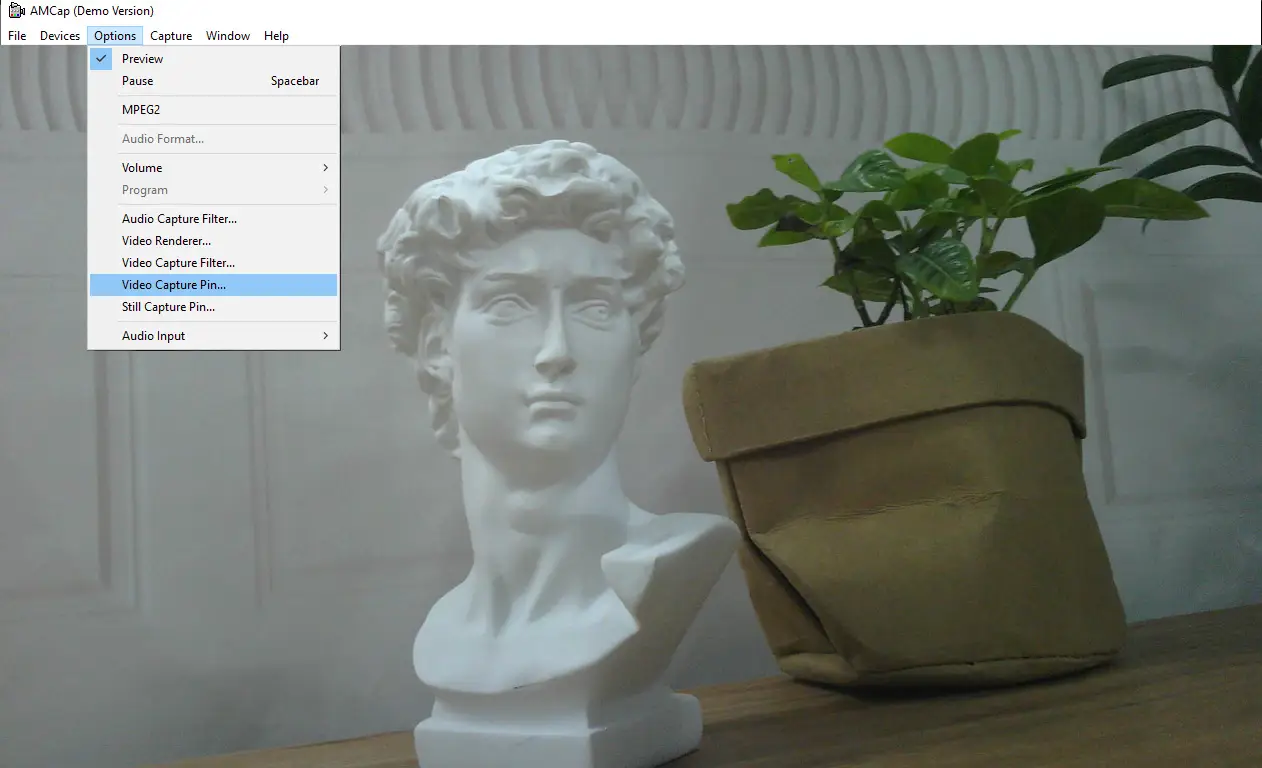
- Download and install the Amcap software
- Click the "Options" menu, then select "Video Capture Pin..." or "Still Capture Pin..." to configure image and video parameters.