Working with Windows
Test Software
The built-in Camera app on Windows 10 and later can be used directly for testing. If the system cannot find the Camera app, you can download the AMCAP test software from the Resources and Documents section.
Test Steps
Windows Built-in Camera Application
-
Search for "Camera" and open the app.
-
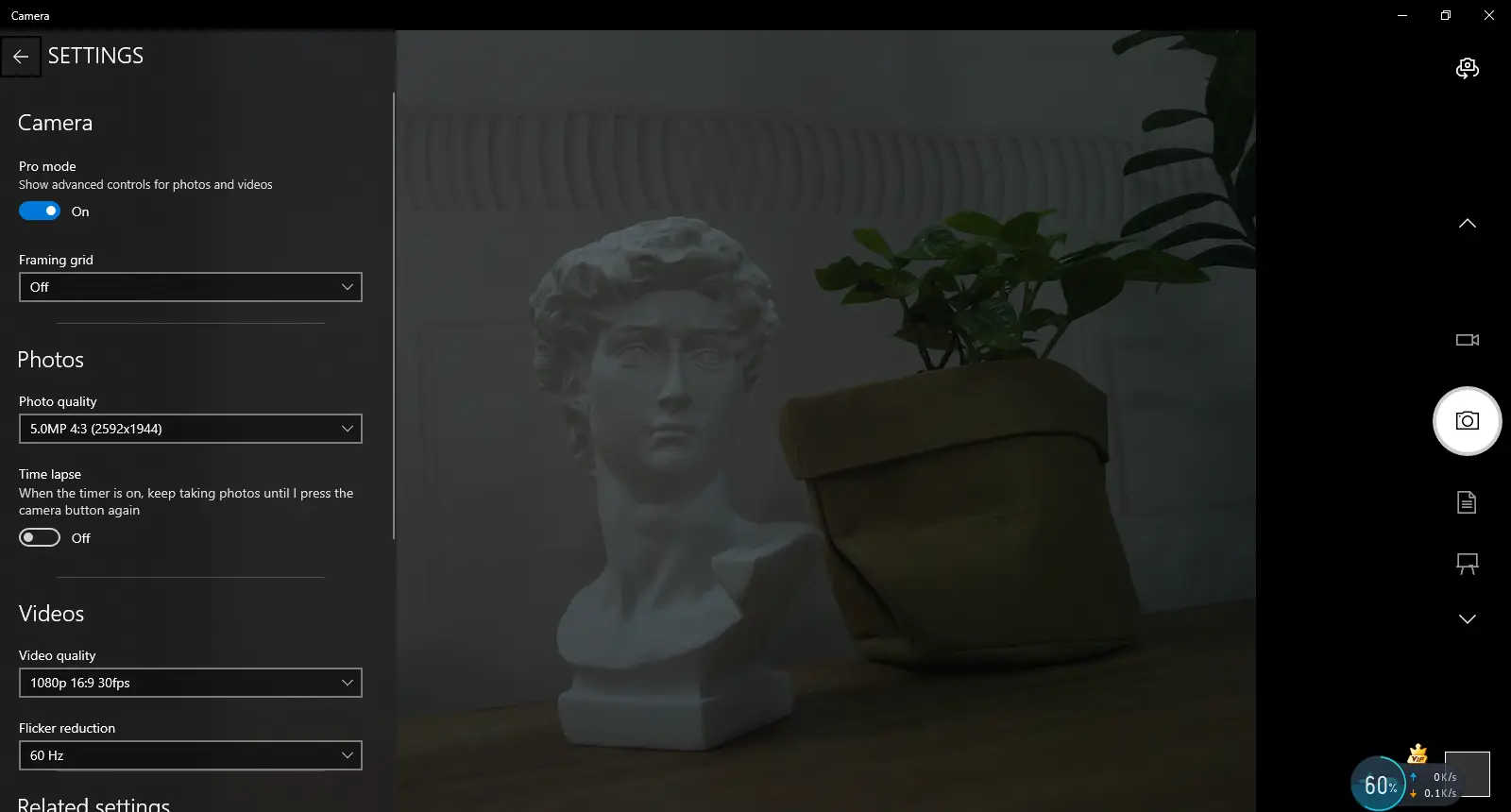
Click the gear icon in the upper-left corner to open the settings interface, and select the resolution and format for photos or videos.
-
Click the record or capture icon on the right to switch between recording and capturing.
AMCAP Software
-
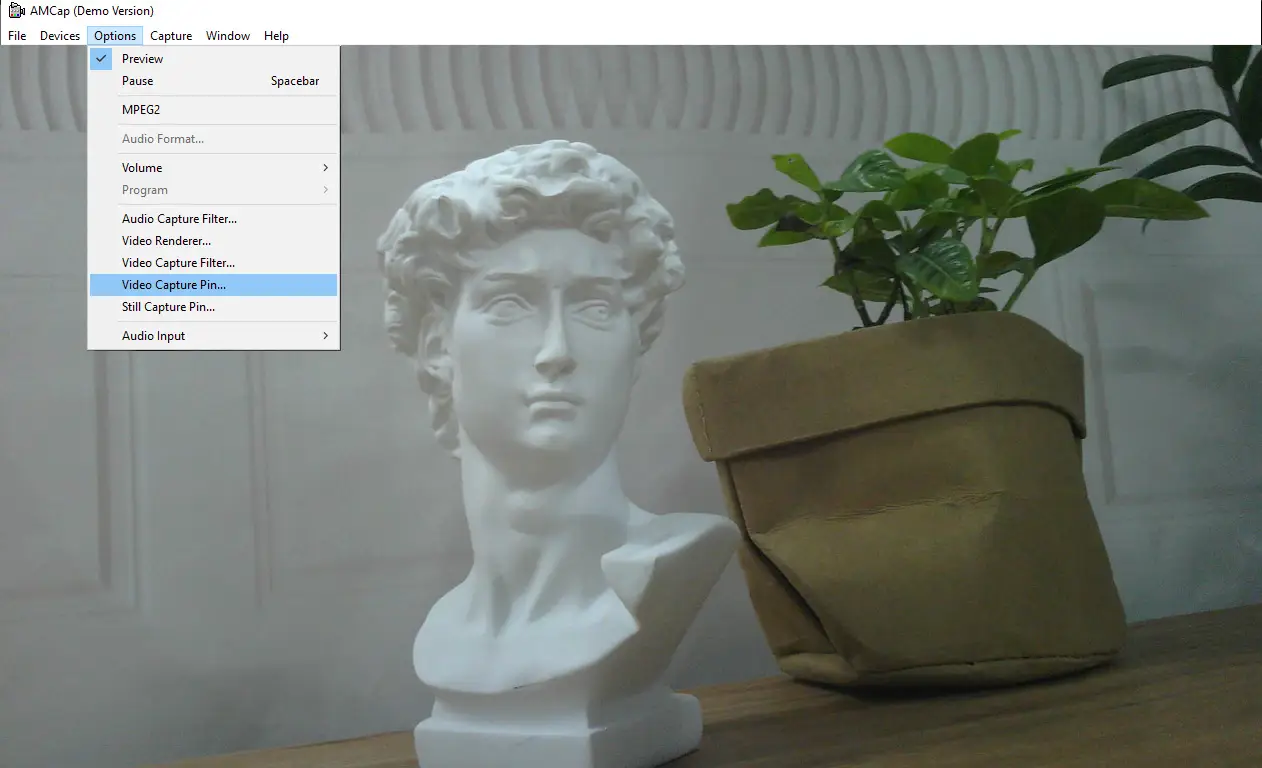
Download and install the Amcap software.
-
Click the "Options" menu, then select "Video Capture Pin..." or "Still Capture Pin..." to set image and video parameters.