PoE HAT (J)
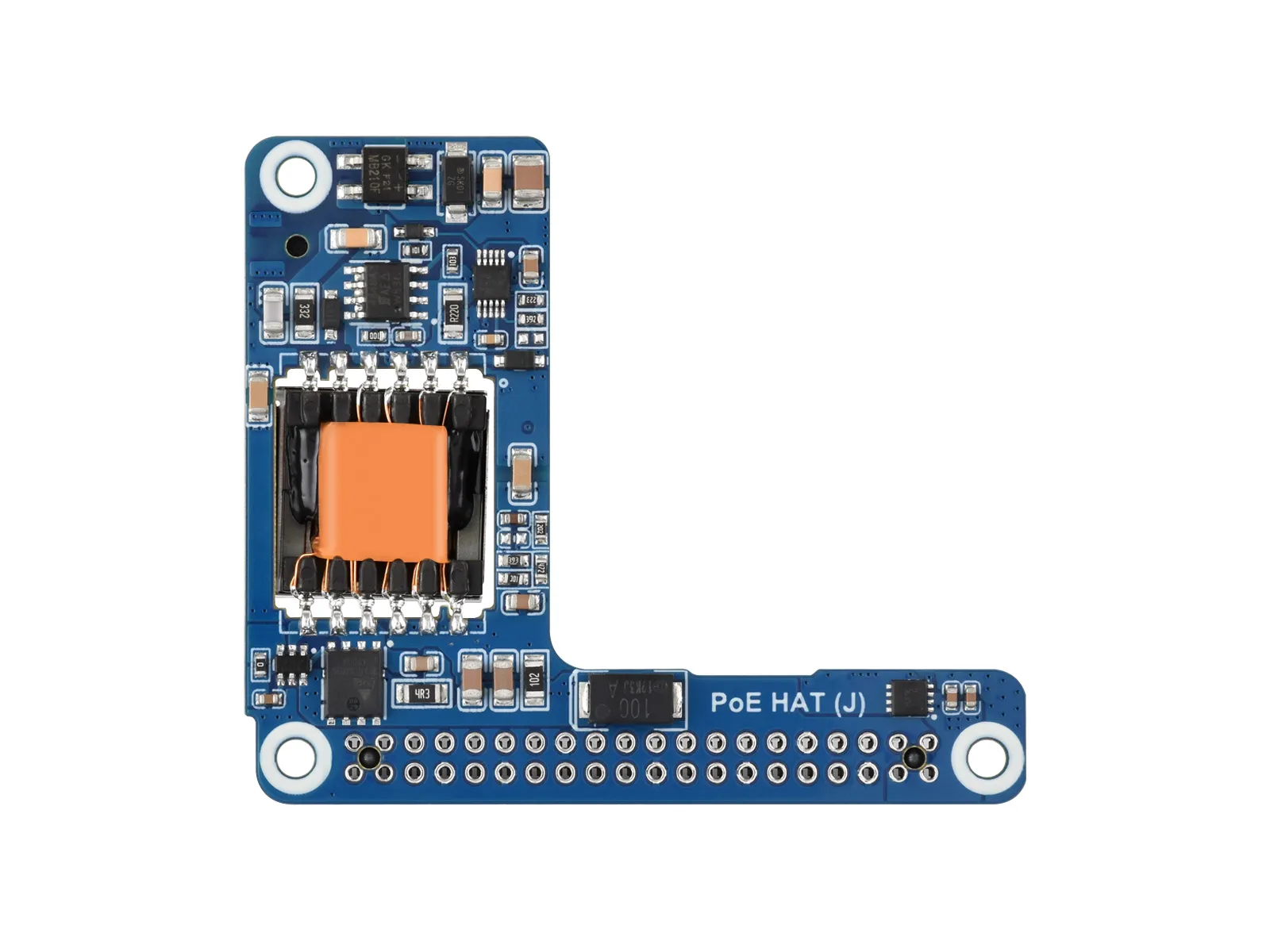
The PoE HAT (J) is a Power over Ethernet (PoE) expansion board for the Raspberry Pi 5, compliant with IEEE 802.3af/at network standards. It is designed for use with PoE routers or switches that support IEEE 802.3af/at standards, allowing the Raspberry Pi to be both powered and connected to the network using a single Ethernet cable.
| SKU | Product |
|---|---|
| 34611 | PoE HAT (J) |
| 34612 | PoE HAT (J) Acce A |
Features
- Do not hot-plug this device.
- Based on the Raspberry Pi 40PIN GPIO interface.
- Supports PoE Power over Ethernet, compliant with IEEE 802.3af/at PoE standards.
- Onboard imported IC solution for more stable PoE power delivery.
- Uses an isolated switching mode power supply.
- Compact and easy to assemble.
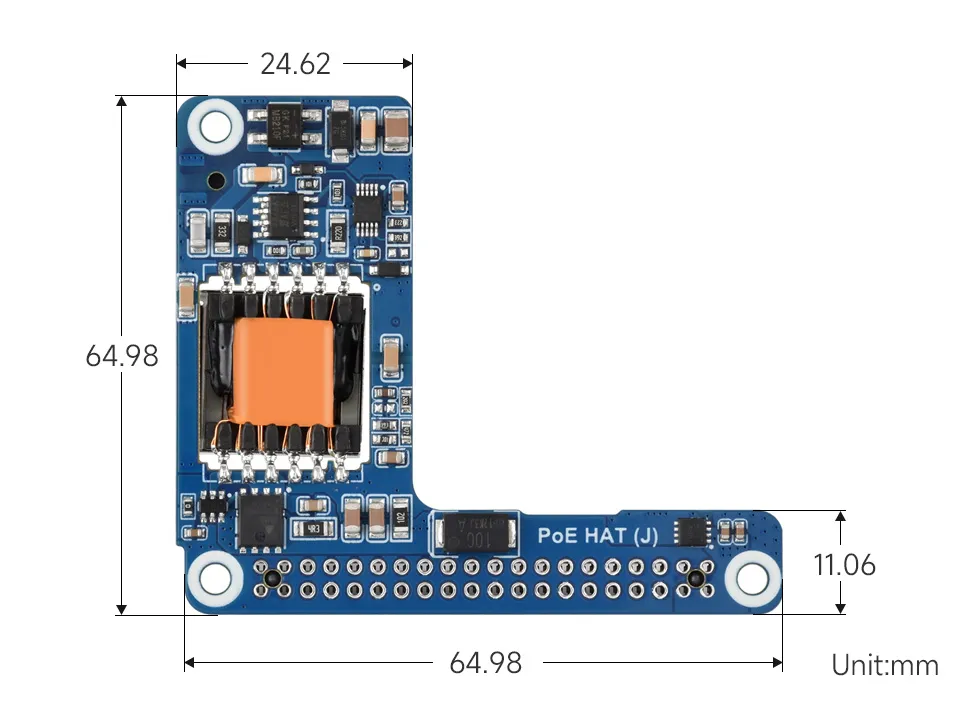
Dimensions
Usage Information
Usage
-
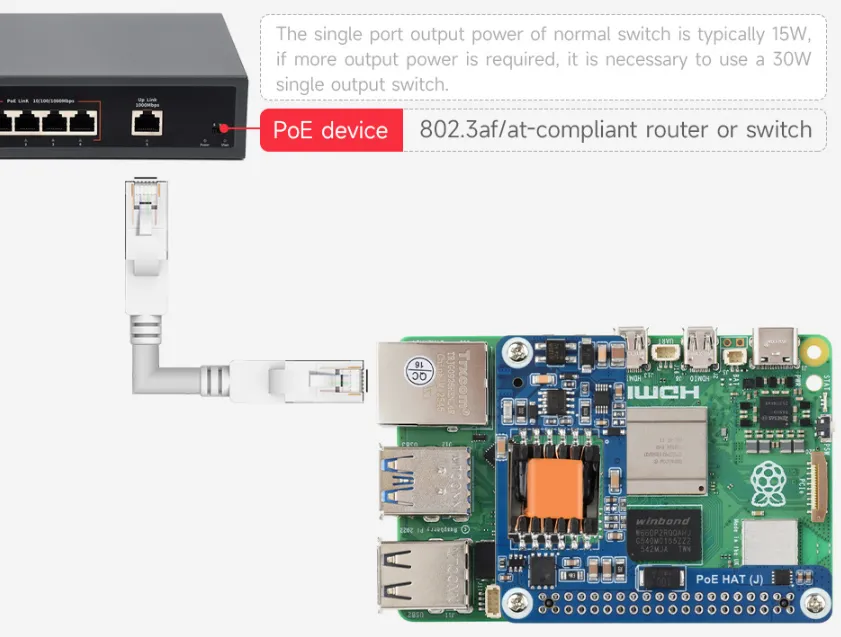
Connect this board to a device with a PoE-capable header.
-
Supply PoE power through the Ethernet port.
Power Limit Warning
-
The Raspberry Pi board detects USB supply current. If the maximum 5A current is not reached, it will limit the USB (TYPE-A) output current. Since PoE HAT (J) powers the board through the 40PIN header, this current limiting situation also applies.

- Method 1: Only disable USB (TYPE-A) current limiting, without eliminating the boot-time warning message.
- Run the following command to open
config.txtfor editing:sudo nano /boot/firmware/config.txt - Add the following setting to remove the 3A current limit on USB (TYPE-A) and provide 5A current:
usb_max_current_enable=1
- Run the following command to open
- Method 2: Eliminate the boot-time warning message and disable USB (TYPE-A) current limiting.
- Run the following command to open
eepromfor editing:sudo rpi-eeprom-config --edit - Add the following setting to remove the 3A current limit on USB (TYPE-A), provide 5A current, and eliminate the boot-time current limit warning:
PSU_MAX_CURRENT=5000

- Run the following command to open
- Method 1: Only disable USB (TYPE-A) current limiting, without eliminating the boot-time warning message.