Working with Raspberry Pi Pico
-
If RTK functionality is needed, please use the Raspberry Pi Pico 2 W series and follow steps similar to those for the ESP32 to achieve RTK positioning. This section uses the Raspberry Pi Pico 2 as an example for basic GNSS positioning. The connection table is as follows:
Raspberry Pi Pico 2 Q43 GNSS Helical RTK Module GND GND GP2 SDA GP3 SCL GP1 TX1 GP0 RX1 VBUS VCC -
Open and run the
GetGNSS.pyexample in Thonny to obtain raw GNSS messages, as shown in the figure below: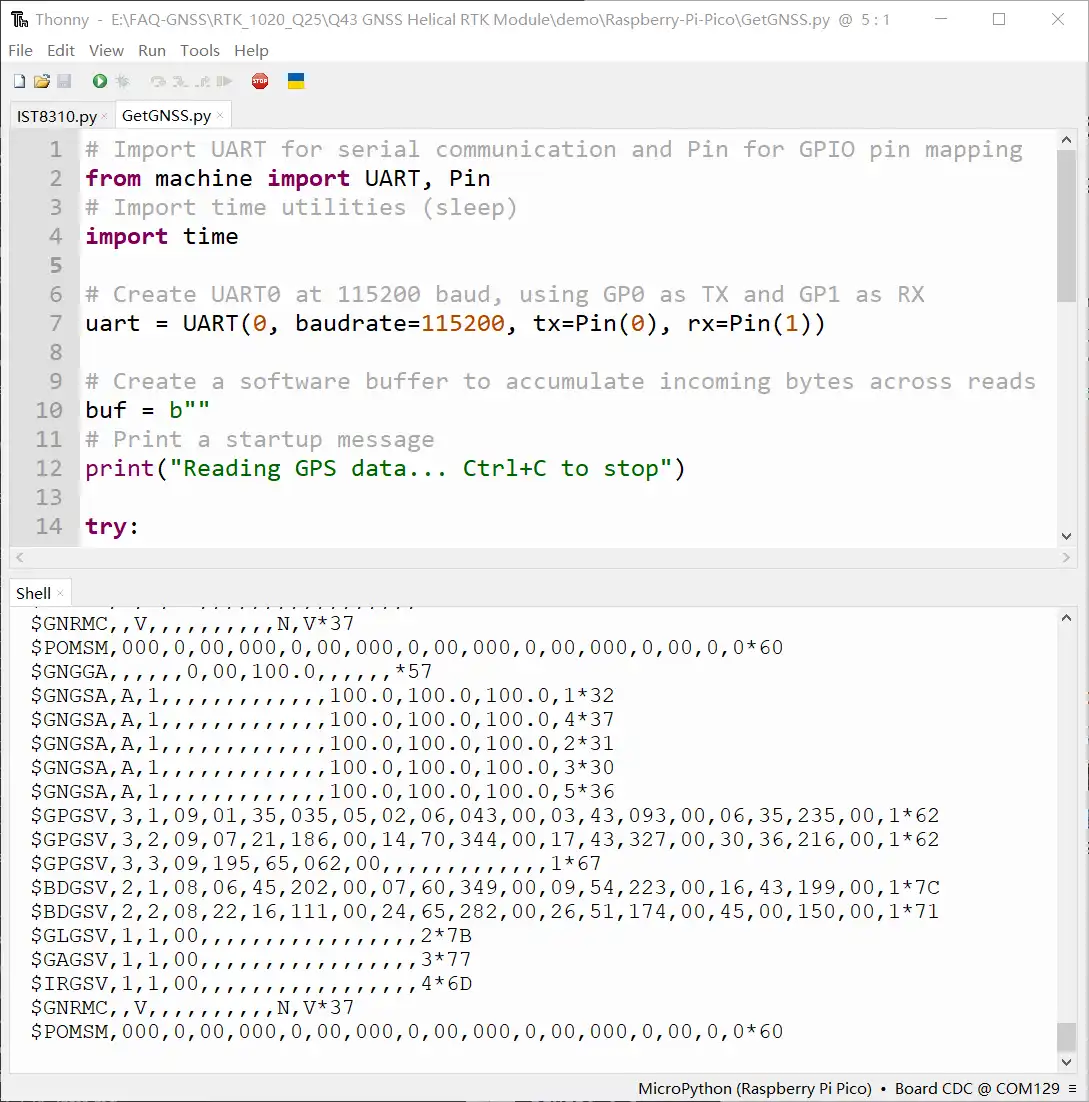
-
Run the
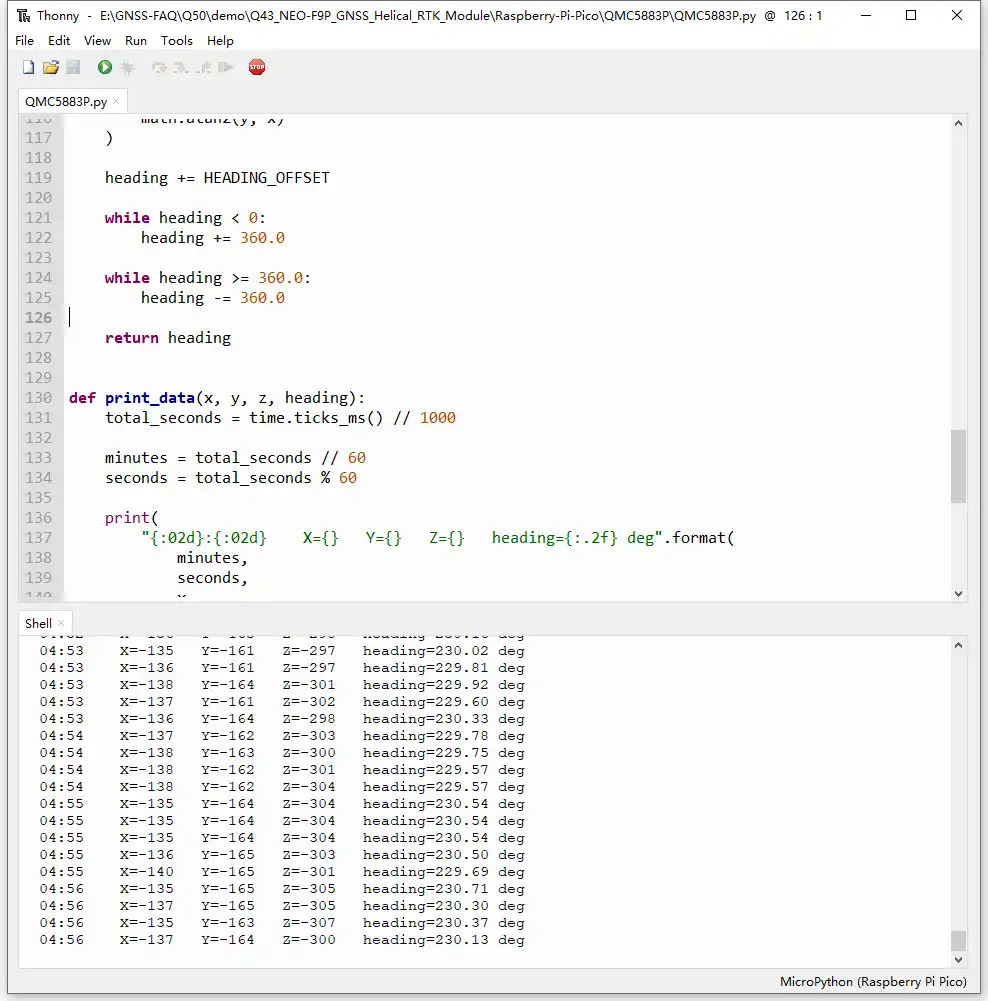
QMC5883P.pyexample to measure the ambient magnetic field strength, as shown in the figure below: